
Useful methods.
Clear next steps.
183 guides in English, with examples, identified sources and a checklist you can keep. Every practical guide has a French counterpart accessible through the language switch.
Search the portal
Everyday practical guides
Start with your task.
Choose a practical route below, then use its related guides to go deeper. These starting points cross the topic categories.
Try the practical tools and workshops →
Account and online safety
Protect accounts, recognise risky requests and check where you are signing in. 17 guides in this topic.

Distinguish sign-in, data sharing and linked devices before removing an unnecessary authorisation.
Read the guide →
Separate host, user information, path and parameters; practise with an address reader that does not visit the link.
Read the guide →
Check an unexpected request, open the service independently and report a suspicious message without following its link.
Read the guide →
Add a second sign-in factor to an important account and prepare a recovery route before you need it.
Read the guide →
Choose what matters, keep a separate copy and make sure you can actually retrieve a file from it.
Read the guide →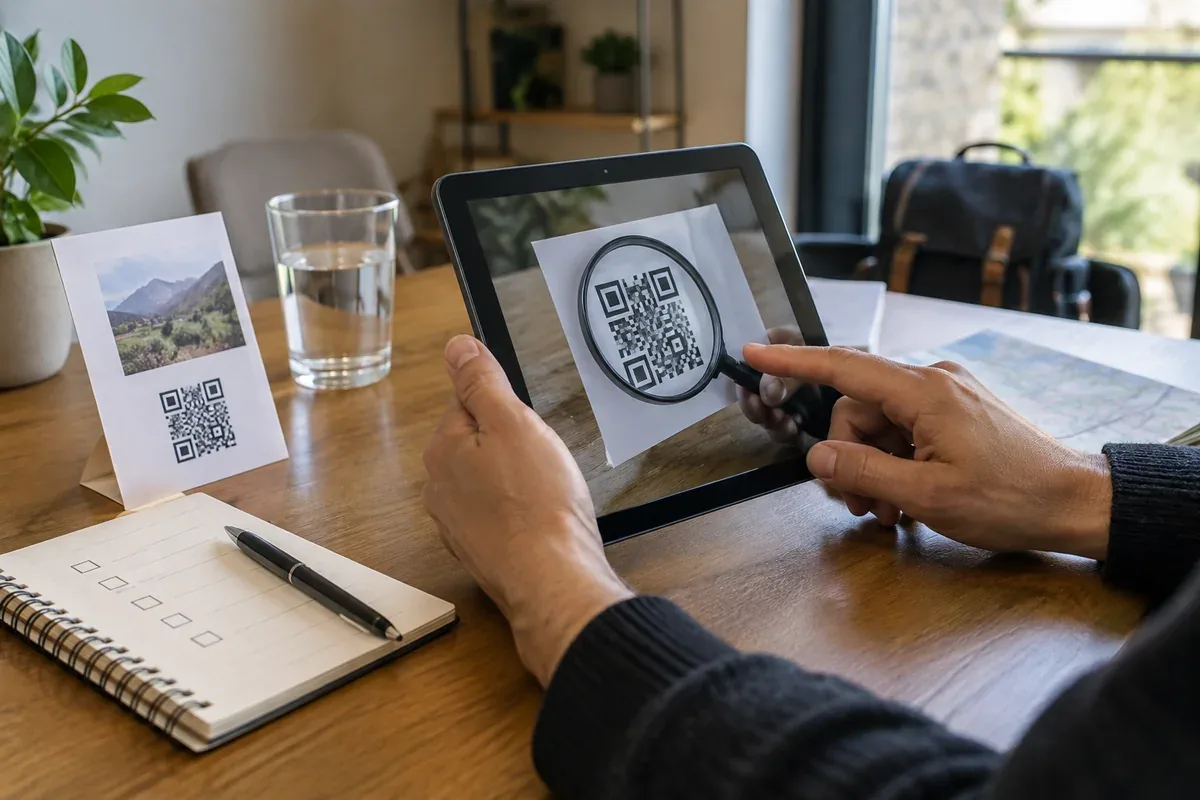
Treat a QR code as a link whose destination is hidden until scanning, especially before signing in or paying.
Read the guide →
Prioritise important accounts, replace reused passwords and plan account recovery without making a list of secrets.
Read the guide →
Compare protection, device support, recovery and export before moving all your accounts into a vault.
Read the guide →
Learn where a passkey lives, how it signs you in and how to recover access after losing a device.
Read the guide →
Use connection warnings correctly while checking the domain and publisher separately.
Read the guide →
Find the real destination and use an independent route for payments, sign-ins or personal information.
Read the guide →
Use official update channels, plan restarts and check devices that no longer receive security fixes.
Read the guide →
Choose representative files, restore them to a separate place and verify content and access.
Read the guide →
Identify the data you disclose, review account settings and choose which sharing actually serves you.
Read the guide →
Prioritise the main email account, review sign-in methods and make recovery possible before adding complexity.
Read the guide →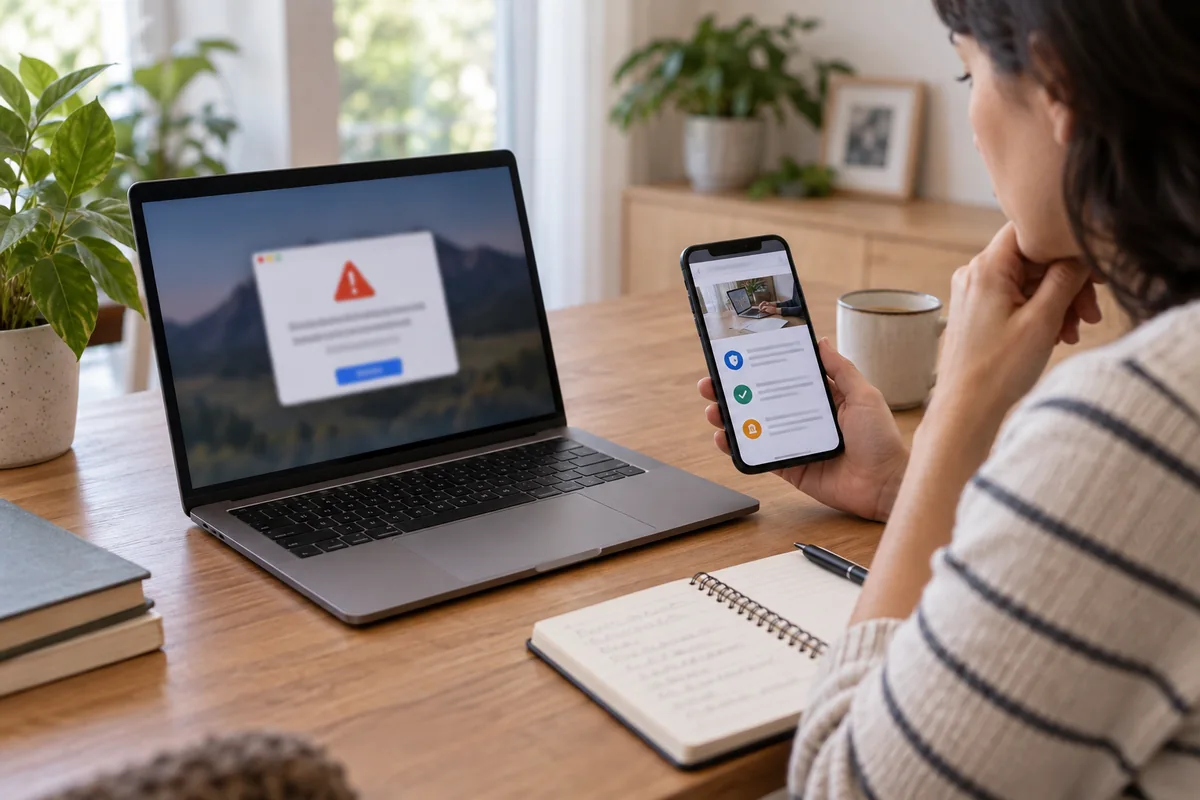
Respond differently to a scary pop-up, a remote-access session or a payment, without trusting the number on the screen.
Read the guide →
Check the device, password manager, synchronisation and recovery plan before saving credentials.
Read the guide →Research and data
Find evidence, inspect a dataset and explain what a source can support. 67 guides in this topic.

Find official feeds, organise subscriptions by topic and keep links to original articles so that you can read updates in context.
Read the guide →
Examine what an association measures, consider alternative explanations and match your conclusion to the study’s method.
Read the guide →
Identify the place, day, scale and pollutants behind an index. Distinguish background air quality, personal exposure and annual trends.
Read the guide →
Open Cartes.gouv.fr, recover the relevant place and layers, then check dates, scale and sharing before replacing an old Géoportail link.
Read the guide →
Identify the paper using DOI or PMID, find linked notices and record how they affect your citation.
Read the guide →
Keep title, creator, date, episode page and timestamp to make an audio reference verifiable.
Read the guide →
Check sample, criteria, weighting and date before using a ranking to decide.
Read the guide →
Keep queries, databases, filters, dates and selection decisions in a search log.
Read the guide →
Separate text from formulas during import, preserve the original and inspect the delivered file rather than its preview alone.
Read the guide →
Match identifier, title, authors, object type and version before reusing a bibliographic reference.
Read the guide →
Trace several articles back to their original evidence. Use a checklist and fictional examples to separate repetition from independent corroboration.
Read the guide →
Identify advertising labels, check destinations and choose between an ad, an organic result and an official website. Includes fictional examples and an on-page checklist.
Read the guide →
Trace a news claim to its original reporting, separate event and publication dates, and compare independent coverage.
Read the guide →
Test the same question in two search engines and compare sources, formats and missing viewpoints with a reusable grid.
Read the guide →
Record the author, page title, URL, relevant passage and consultation date so another reader can check your source.
Read the guide →
Check the title, units, axes, time period and source before drawing a conclusion from a graph.
Read the guide →
Trace a claim to its evidence and check the date, scope and independence of confirmation.
Read the guide →
Choose delimiter, encoding and column types before a spreadsheet changes identifiers or dates.
Read the guide →
Check definitions, coverage, missing values and provenance before drawing conclusions from a table.
Read the guide →
Trace where a picture appeared and separate a visual match from proof of the accompanying claim.
Read the guide →
Build a question, follow citations and check what a paper actually studied.
Read the guide →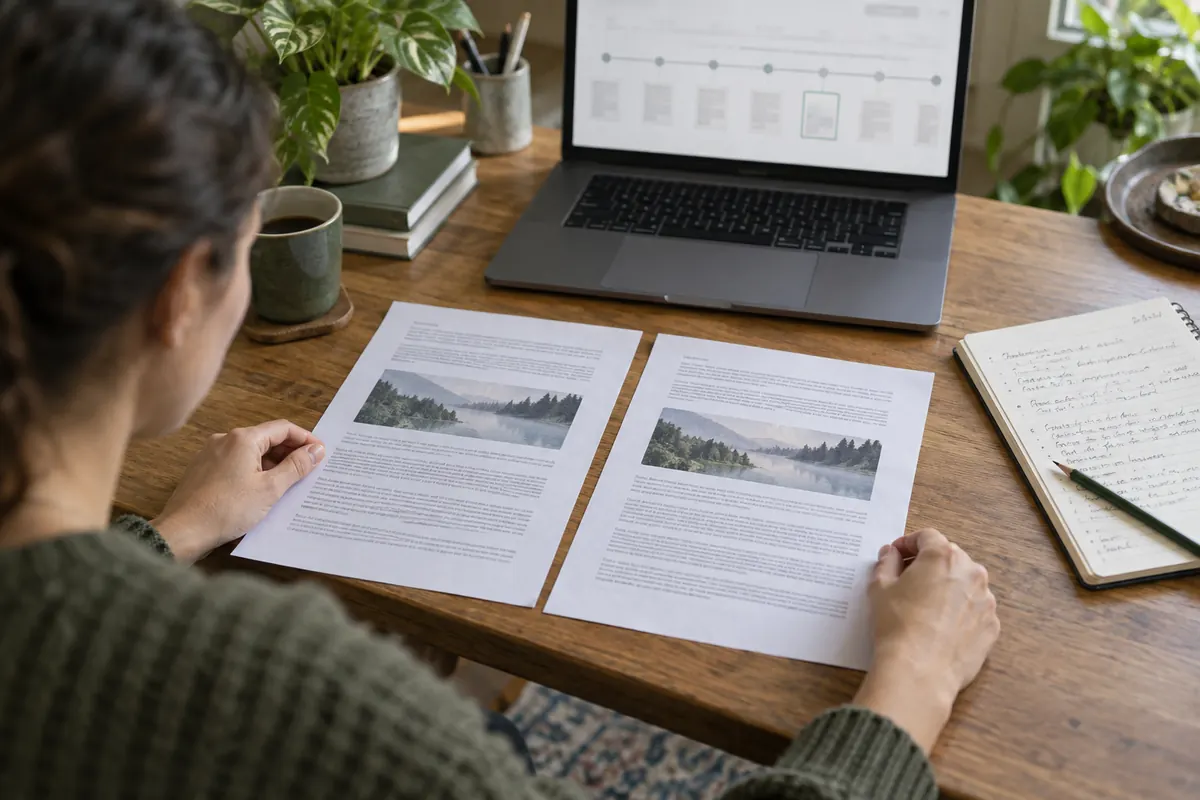
Use dated captures to establish what a page displayed, while noting what an archive may have missed.
Read the guide →
Search a data catalogue by producer, place and period, then inspect the dataset record before download.
Read the guide →
Identify the exact resource, its licence and attribution requirements before publication or redistribution.
Read the guide →
Preserve the original, define rules and distinguish missing values from errors before changing a table.
Read the guide →
Choose a record key and separate exact repeats from competing values before removing rows.
Read the guide →
Trace the original statement, date and supporting evidence instead of counting reposts.
Read the guide →
Choose a search constraint that answers a defined problem, then compare it with the unfiltered results.
Read the guide →
Search by topic and format, then confirm the author, edition and publication page before citing a PDF.
Read the guide →
Set a useful period while distinguishing page dates from the dates of events described inside them.
Read the guide →
Break an AI response into claims, open its cited sources and document what remains uncertain.
Read the guide →
Name the denominator and distinguish a change in a rate from a relative change.
Read the guide →
Use a small example to see what the average and middle value each say about a group.
Read the guide →
Compare address, opening time, accessibility and the venue's own information before making a trip.
Read the guide →
Use a legitimate purpose, compare public professional clues and respect the person's chosen contact routes.
Read the guide →
Use a publisher name, distinctive terms and a known domain to locate the intended page.
Read the guide →
Identify the measured quantity, keep the original values and show the conversion rule.
Read the guide →
Distinguish stored date values from text and resolve day-month ambiguity before analysis.
Read the guide →
Use the same population denominator, territory and period before interpreting rates.
Read the guide →
Use the original URL and a dated capture, then state what the archive did and did not preserve.
Read the guide →
Compare tools on the same prompt, with accuracy, privacy, sources and correction effort in view.
Read the guide →
Turn a vague question into a focused query, then compare and verify the pages you find.
Read the guide →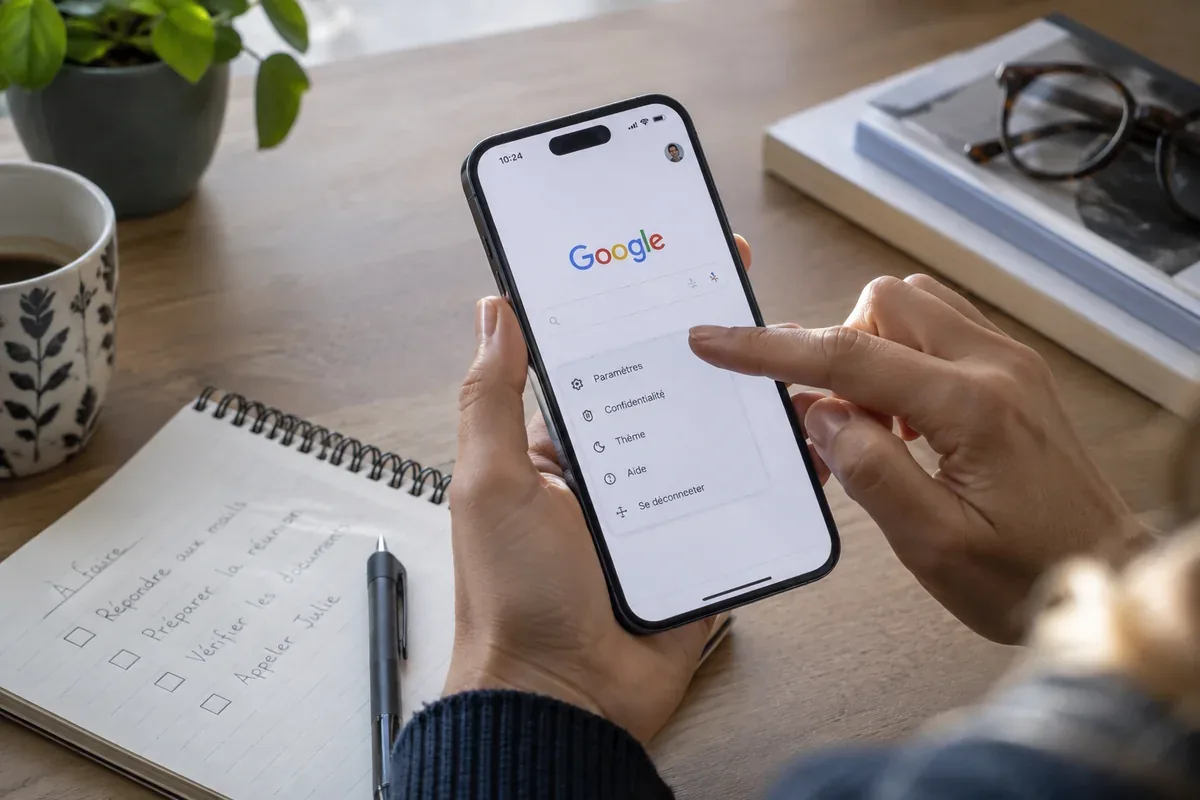
Distinguish the Google website, your browser start page, a new tab and the default search engine.
Read the guide →
Use exact phrases, domains and document formats deliberately, without excluding the evidence you need.
Read the guide →
Check microphone permissions and the transcribed query before trusting a spoken search.
Read the guide →
Choose the right search type and check the original publisher behind the result.
Read the guide →
Test the same tasks on several engines and separate relevance, privacy and publisher transparency.
Read the guide →
Narrow a Bing query and verify the destination instead of judging by result order.
Read the guide →
Explore syntax, understand redirects through bangs and check privacy at each stage.
Read the guide →
Test Qwant on a concrete task and check its current help before changing browser settings.
Read the guide →
Assess search usefulness and read environmental reporting as separate questions.
Read the guide →
Distinguish Brave Search from the Brave browser and compare source coverage carefully.
Read the guide →
Separate the Yahoo portal, search results and account services before following a link.
Read the guide →
Examine privacy during the query, result visit and sign-in instead of assuming total anonymity.
Read the guide →
Explore an additional search index and document coverage gaps without assuming completeness.
Read the guide →
Combine age-appropriate discovery with adult guidance, source checking and privacy awareness.
Read the guide →
Check corpus coverage, document versions and access conditions before trusting a specialist result.
Read the guide →
Give Gemini a bounded task, minimise submitted data and verify factual claims.
Read the guide →
Compare assistants and research services on verifiable tasks, source quality and practical constraints.
Read the guide →
Define an output, bound the context and verify the result before reusing it.
Read the guide →
Identify the Copilot product and account before applying instructions or using work files.
Read the guide →
Use cited answers to locate references, then check that each important claim is supported.
Read the guide →
Keep document analysis traceable and check figures, exceptions and conclusions in the originals.
Read the guide →
Identify the current Mistral product and official destination when following older Le Chat references.
Read the guide →
Distinguish a directly usable research interface from a search API integration.
Read the guide →
Use scholarly discovery to find studies, then examine their methods and limits.
Read the guide →
Use explanations as reading aids, then return to the article’s text, figures and methods.
Read the guide →Browsers and devices
Solve everyday access problems and understand the limits of browser tools. 50 guides in this topic.

Move through links, forms and tabs, recognise keyboard focus and practise useful browser shortcuts without submitting a form accidentally.
Read the guide →
Separate missing pages, denied access and server failures so that you can choose a useful first check without unnecessarily clearing browser data.
Read the guide →
Describe the expected result, reproduction steps and observed message, then share only the information needed by the official support team.
Read the guide →
Identify a browser problem, remove only the relevant data, and check bookmarks, passwords and open sessions first.
Read the guide →
Keep originals safe, group photos by event and date, remove duplicates carefully and test a separate backup.
Read the guide →
Test where the connection drops, reposition the router and compare a wired connection before buying extra equipment.
Read the guide →
Understand which local browser traces a private window reduces and what it cannot hide.
Read the guide →
Check publisher, permissions and continued support before an extension can read your pages.
Read the guide →
Check the network name, keep the device updated and choose a safer connection for sensitive tasks.
Read the guide →
Review which sites can interrupt you, revoke unneeded access and distinguish browser alerts from system alerts.
Read the guide →
Move saved links between browsers while keeping a separate copy and checking folders after import.
Read the guide →
Check the print preview, preserve the page address and date, and inspect the saved PDF before relying on it.
Read the guide →
Use browser translation to understand a page, then verify names, quantities and important instructions in the original.
Read the guide →
Capture every page clearly, check the order and store the resulting file where you can retrieve it.
Read the guide →
Consider embedded location and visible clues, then verify the actual file recipients will receive.
Read the guide →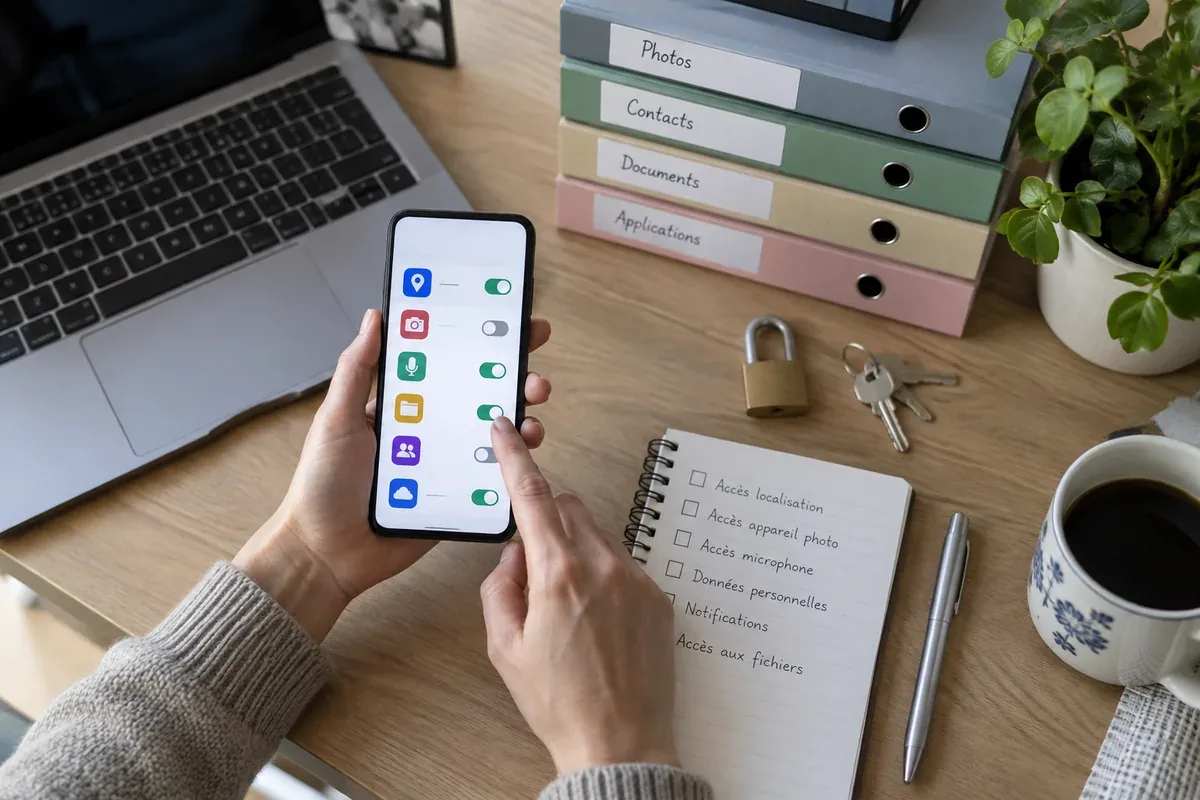
Compare access to camera, location, contacts and files with what an app actually needs to do.
Read the guide →
Adjust display and input settings, then test one real task with the person who needs the change.
Read the guide →
Control device, Wi-Fi and background traffic before using a speed result to diagnose a connection.
Read the guide →
Separate router, line, room and device problems before changing equipment or service plans.
Read the guide →
Locate downloaded files, separate items to keep from unknown items and test moved documents.
Read the guide →
Check the account and profile on every device before propagating bookmark changes.
Read the guide →
Search the correct profile and device, then save the page in a form you can find again.
Read the guide →
Test the tasks and devices that matter to you before moving bookmarks or changing defaults.
Read the guide →
Decide which data should move between devices, test one category and keep an independent backup.
Read the guide →
Use a protected temporary hotspot and watch mobile data, battery and connected devices.
Read the guide →
Let the person keep control, practise one step at a time and protect their private information.
Read the guide →
Group files in a copy, create the archive and extract it elsewhere to verify the result.
Read the guide →
Use a filename suffix as a clue, while checking source and actual format separately.
Read the guide →
Check address-level availability and distinguish the access line from Wi-Fi inside your home.
Read the guide →
Connect the access line, check the provider status and test the line before improving Wi-Fi coverage.
Read the guide →
Compare software life, battery, storage, repair options and network fit before price alone.
Read the guide →
Match software, memory, storage, ports and serviceability to daily tasks and expected life.
Read the guide →
Check eligible technologies, upload needs, all charges and service terms before signing.
Read the guide →
Set up location, tested backups and account recovery before a loss; then secure the device, line and accounts in order.
Read the guide →
Identify the browser, profile and search engine before changing settings or seeking help.
Read the guide →
Review profiles, synchronised data and extension permissions before migrating browser data.
Read the guide →
Import data into the intended profile and test everyday tasks before a complete migration.
Read the guide →
Troubleshoot tracking protection and extensions one change at a time.
Read the guide →
Separate durable bookmarks, current tabs and version-dependent browsing profiles.
Read the guide →
Save the useful destination, name it clearly and test the bookmark afterwards.
Read the guide →
Use a small task-based structure and verify links before removing apparent duplicates.
Read the guide →
Test Wi-Fi and mobile data separately and inspect data usage before changing advanced settings.
Read the guide →
Check the tablet’s connectivity, background transfers and genuine offline access.
Read the guide →
Separate connection, Wi-Fi coverage, browser and destination failures.
Read the guide →
Compare readability, essential apps, accessories, updates and total cost for the exact model.
Read the guide →
Separate address eligibility, connection technology, indoor Wi-Fi and contract costs.
Read the guide →
Check exact address eligibility, full offer conditions and the Livebox model involved.
Read the guide →
Identify the address, included equipment, options and exact Freebox model.
Read the guide →
Check access technology and costs, then separate access faults from Wi-Fi or service problems.
Read the guide →
Review the dwelling, household needs, full cost and actual Bbox equipment.
Read the guide →Sharing and communication
Work with documents, accessibility and the people who receive your content. 49 guides in this topic.

Review speech, names and meaningful sounds, then test timing and readability in the player your audience will use.
Read the guide →
Identify an image’s purpose, describe the information it adds and avoid repeating captions or surrounding text without a reason.
Read the guide →
Choose a reference copy, separate drafts from published files and inspect version history before restoring or replacing shared work.
Read the guide →
Find the official alert, match the brand, reference and batch to your product, and follow the instructions for that exact recall.
Read the guide →
Distinguish a legal entity from its establishment, compare identifiers and document details, and verify the contact independently.
Read the guide →
Describe the blocked task, page and reproduction steps. Send actionable feedback and ask for an alternative when a deadline is approaching.
Read the guide →
Follow the real destination, compare content and publisher, and update links, citations and bookmarks with a migration record.
Read the guide →
Distinguish drafts, notes and recommendations before citing a specification or making it a project requirement.
Read the guide →
Check data to retain, subscriptions and connections before following a service’s closure procedure.
Read the guide →
Separate draft, registration, receipt and decision to retain a clear application record.
Read the guide →
Record inclusions, dimensions, weight and options for the exact fare and operator.
Read the guide →
Compare exact places, times, access and tickets before choosing a multi-segment journey.
Read the guide →
Identify discipline, category, season, venue and time status before sharing or travelling.
Read the guide →
Define tested pages and states, inspect warnings and add keyboard journeys and a content review.
Read the guide →
Discuss audience and privacy together, review account settings and agree on a simple way to report uncomfortable contact.
Read the guide →
Create a small, recoverable system for documents, accounts and recurring tasks without collecting unnecessary copies.
Read the guide →
Choose recipients and permissions, test the link and know how to remove access later.
Read the guide →
Identify the seller, calculate the full cost and keep the evidence needed after an order.
Read the guide →
Know what happens when a file is changed or deleted, and keep an independent restorable copy.
Read the guide →
Use clear folders or labels, check sender domains and keep decisions separate from an overflowing inbox.
Read the guide →
Choose the smallest useful sharing area and check what meeting participants can actually see.
Read the guide →
Make essential files available before travelling and test access without a connection.
Read the guide →
Remove sensitive text and hidden data from a copy, then test the exact file you will send.
Read the guide →
Use structure, descriptive links and meaningful image alternatives, then review the exported document.
Read the guide →
Read the article's context, inspect references and history, then follow original sources.
Read the guide →
Start from the government information portal and verify the agency before submitting personal data.
Read the guide →
Choose the correct account and format, preserve the original export and test a small import.
Read the guide →
Set the event's dated time zone and confirm each participant's local time, including daylight-saving changes.
Read the guide →
Inspect the item, seller and platform procedure before paying or sharing personal information.
Read the guide →
Compress a copy and inspect the pages that matter most before sending it.
Read the guide →
Check the invitation, permissions, sound, background and recording rules before joining.
Read the guide →
Make the answer, author, evidence and date clear in a usable page with stable links.
Read the guide →
Check account audience, story reach, tags, messages and reuse before posting personal content.
Read the guide →
Assess a video's evidence and context, then review activity controls that shape suggestions.
Read the guide →
Check public profile, contact details, connections and activity before expanding a network.
Read the guide →
Protect registration, inspect connected sessions and understand what encryption does not prevent.
Read the guide →
Choose a server by its rules and community, then inspect visibility before publishing.
Read the guide →
Inspect account and post audiences, interactions, reuse and connected devices.
Read the guide →
Compare audience, visibility, recovery and exit options before creating more accounts.
Read the guide →
Check audience, account recovery, sessions and reporting before sharing.
Read the guide →
Control visibility and discoverability, then verify information before reposting.
Read the guide →
Group pins by project and check the original source before acting on an image.
Read the guide →
Check contacts, stories and location while treating messages as potentially copyable.
Read the guide →
Protect access, check audiences and sources, and organise notifications around your needs.
Read the guide →
Use a portal for orientation, then identify the publisher and rules of each destination.
Read the guide →
Combine a precise query with source, date and timestamp checks.
Read the guide →
Verify the exact destination, transport mode and exceptional conditions before leaving.
Read the guide →
Trace reports to their origins and separate event, publication and update dates.
Read the guide →
Compare names, numbers, negation and specialist terms with the original text.
Read the guide →