
Compare versions of a web page
Use dated captures to establish what a page displayed, while noting what an archive may have missed.
Follow the method ↓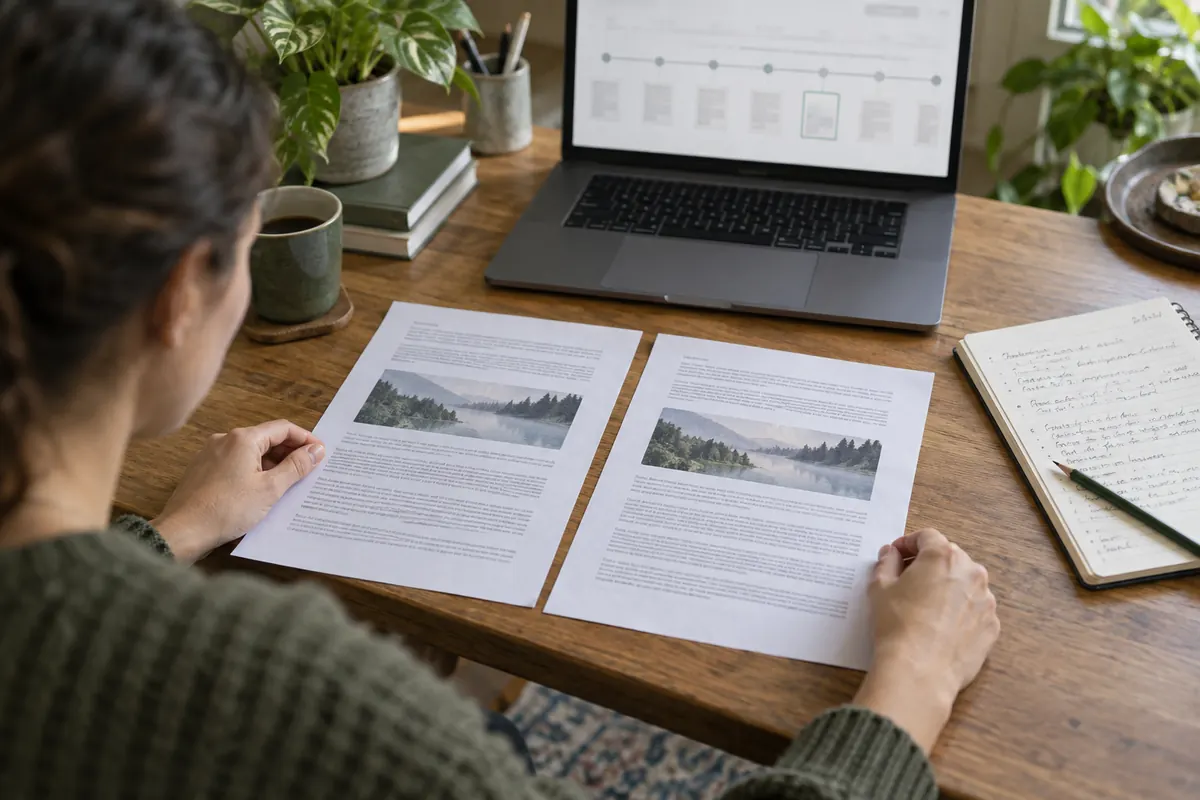
The answer in 30 seconds
A current page may have changed its wording, tables or links. Web archives can help reconstruct a published state, but a capture is a snapshot and may omit scripts, images or pages behind a sign-in.
Record the current URL and claim, inspect dated archived captures around the relevant period, compare the same passage and report both capture dates and any missing elements.
Examples to adapt
Compare the clause in captures before and after the announced change.
Look for a publisher's correction note as well as the archived value.
Do not infer that the table never existed; seek the publisher's downloadable document.
Follow the method
- 1Define the passage
Save the exact URL and wording you need to verify.
- 2Choose dates
Open the Wayback Machine and inspect captures on each side of the relevant date.
- 3Compare like with like
Check the page title, section and linked document version; note missing assets.
- 4Describe uncertainty
State which capture supports which wording and when the capture was made.
A closer look
Compare three kinds of change
Fictional example: two captures of one document contain changes with different consequences.
| Element | Observation | Decision |
|---|---|---|
| Wording | A typo is corrected in the title | Check that meaning is unchanged |
| Value | A table changes from 240 to 204 | Recalculate results using this value |
| Scope | “All establishments” becomes “respondents” | Reconsider the conclusion’s scope |
A useful comparison classifies changes by their effect. It does not stop at counting modified characters.
Does an update date explain the change?
No. Keep both passages and describe the difference. The date supplies a time, not the reason or importance of the correction.
A checklist to keep
Use these checks to record what you found. The grid supports a decision; it does not make one for you.
| Check | What to examine | Action |
|---|---|---|
| URL | Is this the same page? | Confirm |
| Earlier capture | What text is visible? | Record |
| Later capture | What changed? | Compare |
| Missing assets | Are tables or scripts absent? | Flag |
| Citation | Are dates and links preserved? | Save |
Read the checklist directly in the table.
What to check
Capture time is not always publication time.
A missing capture does not prove a page did not exist.
Dynamic content can render differently in an archive.
Common questions
Can I cite an archived page?
Yes, give the original URL and the dated archive link, with the passage and access date.
What if the archived page is incomplete?
Say which part is missing and seek the original PDF, release note or another contemporaneous record.
Sources and documentation
Documentation consulted on . Examples are illustrative; interfaces and results may change.