
Check video captions before publishing
Review speech, names and meaningful sounds, then test timing and readability in the player your audience will use.
Follow the method ↓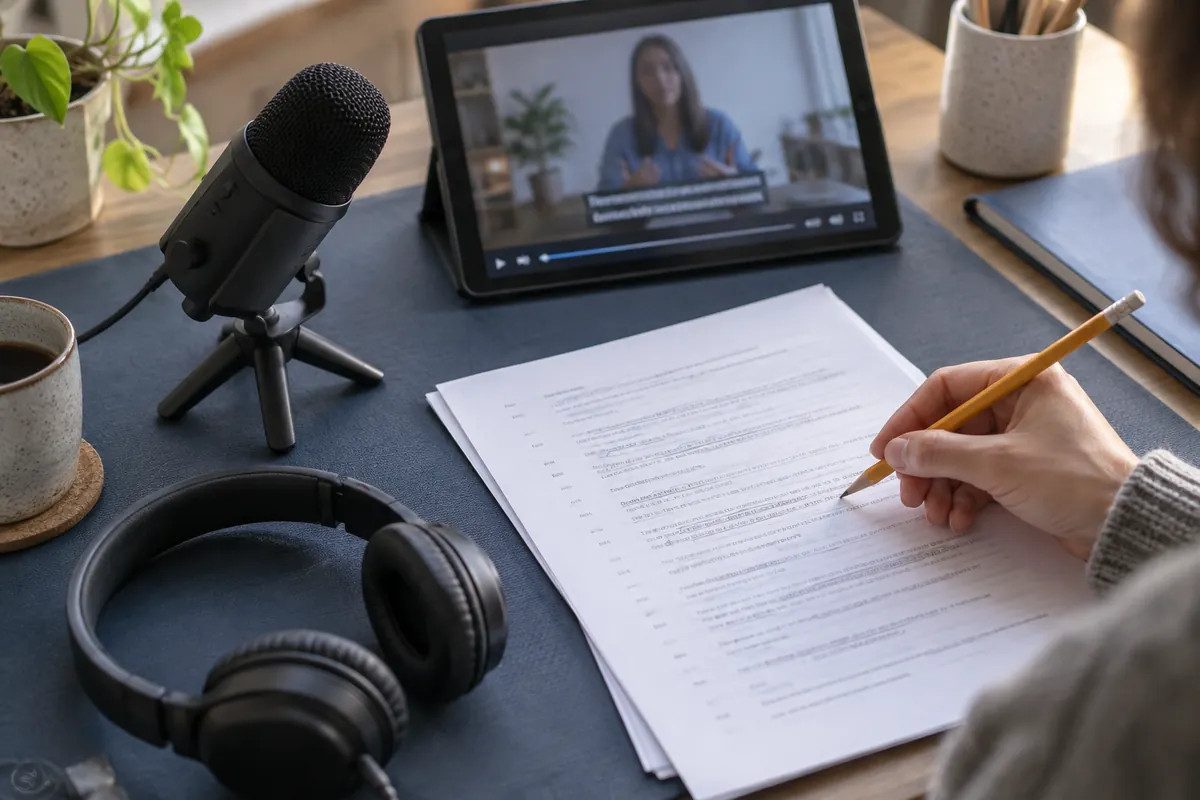
The answer in 30 seconds
Choose a short clip you are allowed to use and prepare a list of expected terms. Review accuracy and reading comfort in separate passes so that a fluent sentence does not hide a transcription error.
Automatic captions are a starting point. Check spoken meaning, speaker changes, meaningful sounds and display timing before publishing the finished video.
Examples to adapt
A short glossary helps you correct repeated names consistently.
A missing negative can change a sentence that still sounds perfectly natural.
Follow the method
- 1Prepare a reference
List names, abbreviations and specialist terms. Keep the source video and a separate copy of the caption track. For an unclear passage, keep the timestamp and ask someone familiar with the subject to check it. A grammatically correct sentence may still contain a wrong name or number. Review against the same audio version that will be published.
- 2Check meaning
Listen sentence by sentence, paying attention to numbers and negatives. Flag unclear audio instead of inventing words.
- 3Review presentation
Watch once without sound and once with it. Look for delayed captions, rushed lines and text covering important visual details. Check speaker changes and sounds needed to understand the scene, including moments without speech. Also check whether captions cover labels or essential visual information. If the video is edited again, review the timing against the new cut.
- 4Test the published version
Open the final file in the intended player on a small screen. Confirm that the correct language track can be enabled.
Workshop: review one minute of captions
Choose a passage with several speakers and an important term. Read captions with sound off, then compare with the audio. Check speaker changes, technical words, punctuation and timing with the image.
Automatic captions can miss a negative, number or nuance that changes meaning. Correct the text and review the published result on phone and desktop.
A checklist to keep
Use these checks to record your observations. They are a reading aid, not an automatic assessment.
| Check | What to examine | Action |
|---|---|---|
| Text | Names, numbers, negatives | Review |
| Context | Speaker and meaningful sound | Clarify |
| Timing | Start, end and reading pace | Watch |
| Delivery | Language and final player | Test |
Read the checklist directly in the table.
What to check
Transcription and translation address different needs.
The caption track must match the video version.
An editor preview does not replace a final playback check.
Common questions
Are automatic captions enough?
Review them before publication.
Should I test on a phone?
Yes. Small screens help reveal timing, size and overlap problems.
Sources and documentation
Documentation consulted on . Examples are illustrative; interfaces and results may change.