
Open the Google homepage
Distinguish the Google website, your browser start page, a new tab and the default search engine.
Follow the method ↓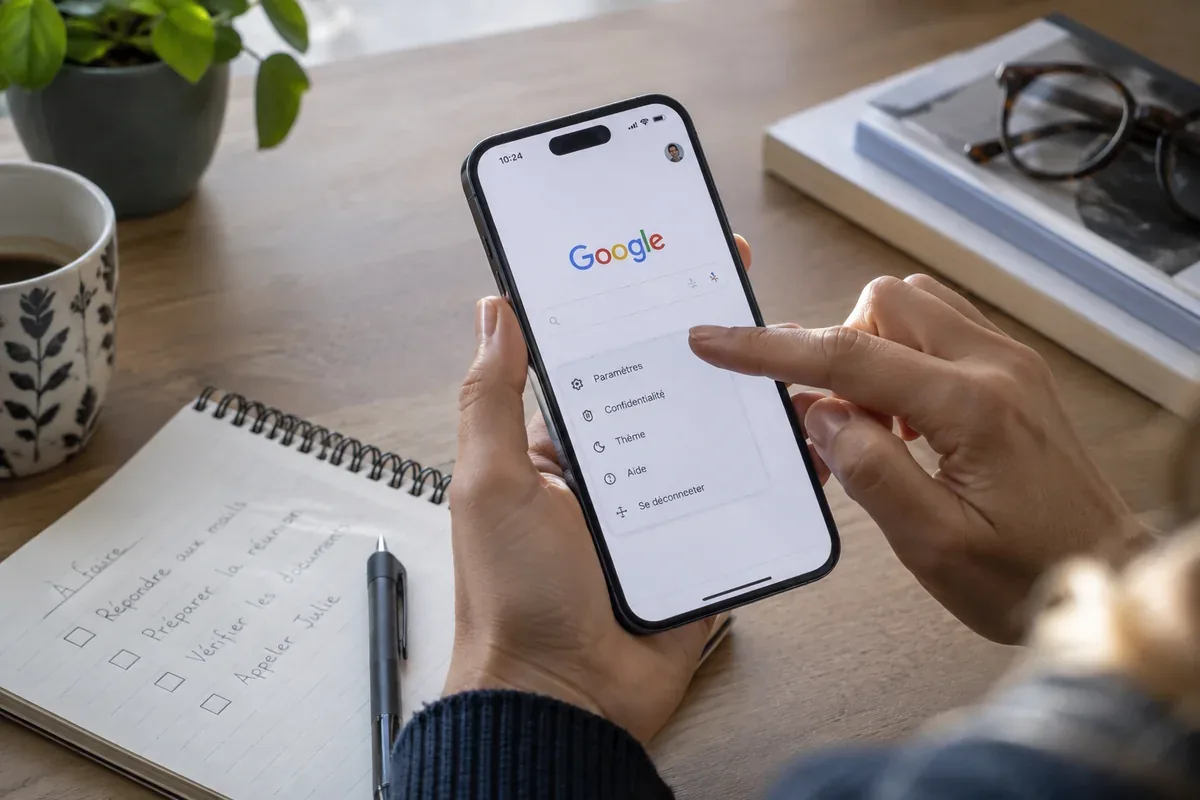
The answer in 30 seconds
Several settings can make Google appear when a browser opens. They serve different purposes, so identify the action you want before changing a setting.
Enter google.com in the address bar to visit Google. Changing the start page and changing the search engine are separate browser choices.
Examples to adapt
Check the startup or home-page configuration before changing the search engine.
A managed device may enforce a policy. Ask the organisation responsible instead of installing a tool to override it.
Follow the method
- 1Open the website directly
Type the address in the browser address bar, then check the final domain. An advertisement offering to install a homepage is unnecessary for this visit.
- 2Name the setting you want
Do you want Google when the browser starts, when a new tab opens, or when you search from the address bar? Write down just one goal.
- 3Find the browser setting
Use the browser’s official help for startup pages or search engines. Commands differ across desktop and mobile versions.
- 4Check the result
Close and reopen the browser for a startup change, or try a harmless query for a search-engine change. If a setting keeps reverting, inspect extensions or organisation policies.
A checklist to keep
Use these checks to record what you found. The grid supports a decision; it does not make one for you.
| Check | What to examine | Action |
|---|---|---|
| Website | Final domain | Open the address directly |
| Startup | Page shown after reopening | Change startup settings |
| Address-bar search | Engine receiving a query | Change the default engine |
| Unexpected reset | Extensions or management notice | Inspect the cause |
Read the checklist directly in the table.
What to check
Identify the browser and device first.
Avoid homepage installers from unknown publishers.
Keep a record of the original setting.
Common questions
Must I install Google to use the site?
No. An up-to-date browser can open the Google website directly.
Why does a new tab still look different?
New-tab behaviour can have its own setting and may differ from the start page.
Sources and documentation
Documentation consulted on . Examples are illustrative; interfaces and results may change.
Resolve the next uncertainty
Identify the block’s role before selecting a link: advertising placement, organic result and official website are different concepts.
Reference record for this resource
Identify the publisher, official destination and practical checks before using the service.
Read the Google record →