

General web search with images, news, maps and related services.
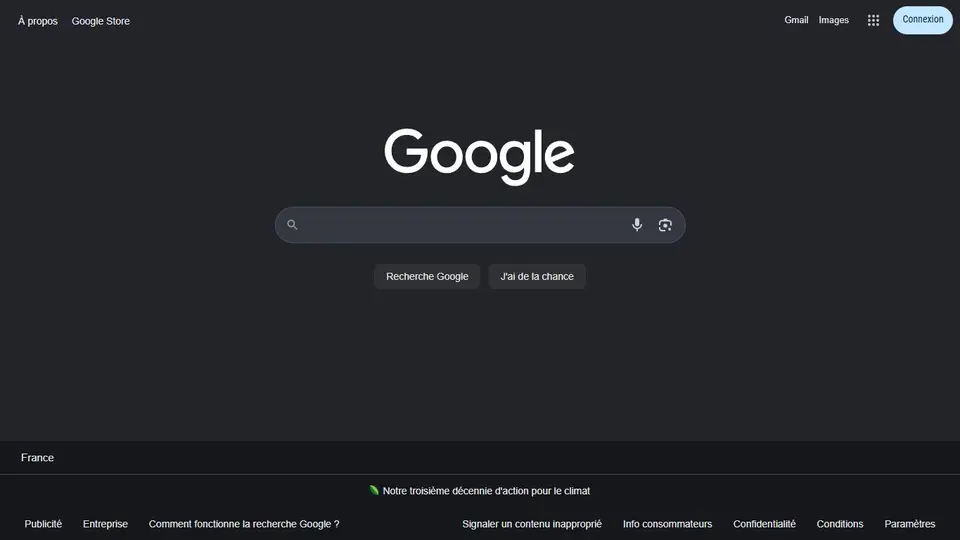
Screenshot captured on an unrecorded date. The current website may have changed.
Reach the original source behind a result
Open several results for a precise question and identify the underlying document.
Check first: First position and displayed answers do not guarantee factual accuracy.

Compare this resource with other directory records →
Build a query and verify the result
Google searches pages and other content types. Combine topic, organisation and domain for a precise query. Enter site: without a space after the colon; it targets a site but does not establish that every document on it was retrieved.
- Query
- Record the actual terms and filters used.
- Result
- Open the page and check its date.
Does no result mean no document exists?
No. Try the site’s own search and other terms, then record your search limits.
Official documentation
Documentation consulted on .
Practical methods for this resource
- Revoke access for a connected appDistinguish sign-in, data sharing and linked devices before removing an unnecessary authorisation.
- Check a local search result before you visitCompare address, opening time, accessibility and the venue's own information before making a trip.
- Search Google effectivelyTurn a vague question into a focused query, then compare and verify the pages you find.
- Open the Google homepageDistinguish the Google website, your browser start page, a new tab and the default search engine.
- Use Google SearchChoose the right search type and check the original publisher behind the result.
Editorial selection, without website certification. Read our method.