

LibreOffice
Free office suite for documents, spreadsheets and presentations.
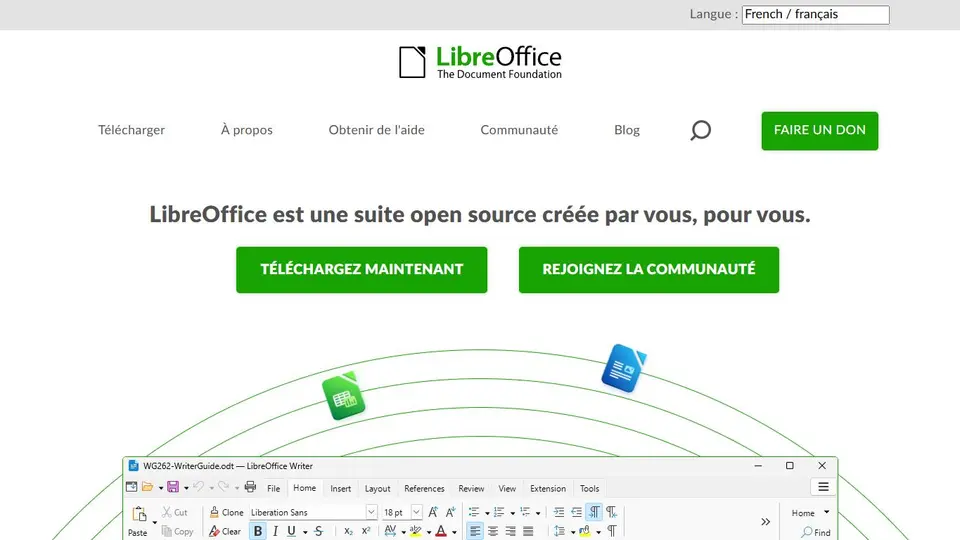
Screenshot captured on an unrecorded date. The current website may have changed.
Prepare a document for exchange
Keep the working format and export a copy suited to the recipient’s task.
Check first: Test layout, fonts and functions after export.

Compare this resource with other directory records →
Check what a PDF should contain
- Page range
- Limit the document being shared.
- Embedded source
- Check whether the original accompanies the PDF.
- Define useful pages before exporting the PDF.
- Check the source-document embedding option.
- Reopen the PDF and inspect the pages actually included.
Fictional example: a club prepares a four-page brochure from a longer document. It compares the planned range with the resulting PDF and keeps the editable original separately. The check concerns shared pages, rather than just the filename.
Your useful record: Chosen range, embedding option and separate PDF filename.
Export options alone do not establish PDF accessibility.
Editorial method informed by LibreOffice Help — PDF export parameters. Documentation consulted on . Examples are fictional exercises, not results from a live service test.
Check what a CSV retains
CSV exchanges a text table; it does not represent an entire Calc workbook.
| Element | Meaning |
|---|---|
| Import | Choose separators and column formats in the preview. |
| Sheets | Only the current sheet is exported. |
| Presentation | Workbook formatting is not retained. |
| Reused settings | Without opening filter options, Calc may reuse the settings of the previous text import. |
| Comma inside a field | A text delimiter can keep that content within one cell. Check the preview before accepting. |
Try the reasoning
Illustrative situation. A workbook contains Data, Calculations and Sources. Does one CSV transmit all three sheets?
Read the explanation
No. Keep the source workbook and specify the table being exchanged. Reopen the result to check columns, accents and identifiers.
Documentation for the table : LibreOffice — Opening and Saving Text CSV Files · . The exercise is an editorial example.
Choose the component before the output format
The suite includes Writer for text, Calc for spreadsheets and Impress for presentations. The project site links to documentation.
- Component
- Choose the tool for the intended document.
- Exchange
- Test a copy in the recipient’s required format.
- Review
- Inspect layout, formulas or notes after import and export.
- CSV import
- Check the separator and character encoding in the preview; a whole row appearing in one column calls for different import settings.
- CSV export
- Only the current sheet is exported. Also retain the working spreadsheet to keep other sheets and formatting.
- Number language
- The import language affects number interpretation. Correct character encoding alone does not preserve values using a different decimal separator.
Source: LibreOffice — Text Import · consulted on - Quoted fields
- “Format quoted field as text” imports fully quoted fields as text. Inspect the preview and column type before confirming codes or identifiers.
Source: LibreOffice — Text Import · consulted on - PDF export range
- The PageRange parameter limits exported pages.
Source: LibreOffice Help — PDF export parameters · consulted on - Source embedded in PDF
- IsAddStream can embed the source document in the PDF.
Source: LibreOffice Help — PDF export parameters · consulted on
Initial profile documentation
Initial profile documentation consulted on . Added details carry their own source and consultation date above.
Practical methods for this resource
Editorial selection, without website certification. Read our method.