

GIMP
Free image editing software with official downloads, documentation and version information.
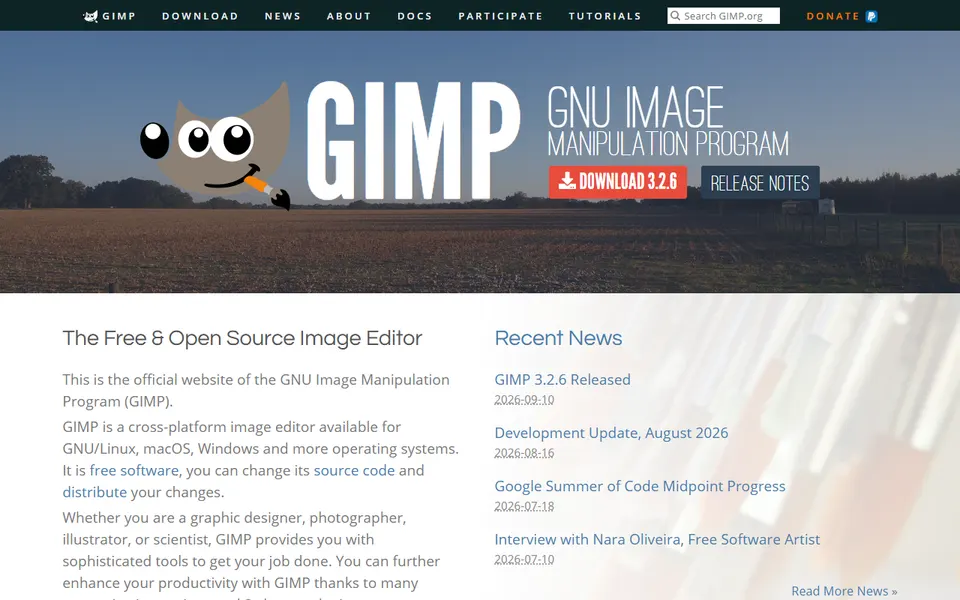
Screenshot captured on 2026-09-22. The current website may have changed.
Prepare an image for publication
Work on a copy and choose dimensions, format and export for the intended medium.
Check first: Inspect the exported file’s colour, readability and incorporated rights.

Compare this resource with other directory records →
Keep an editable project after exporting
- XCF
- Preserve editable work.
- Exported image
- Prepare the copy to distribute.
- Save the project as XCF before distribution.
- Export a copy in the required format.
- Compare the exported appearance with the saved project.
Fictional example: Hugo designs a poster with separate title and background layers. He keeps the XCF and delivers an exported image. When the date changes, he edits the project instead of trying to change text already flattened in the distributed copy.
Your useful record: Project and export filenames, with the intended destination.
Export formats do not preserve every element of an XCF project.
Editorial method informed by GIMP manual — Save and export. Documentation consulted on . Examples are fictional exercises, not results from a live service test.
Choose the file for the actual system
The official page distinguishes systems and architectures and publishes SHA-256 hashes for several files. Use the exact file’s information rather than a copied download link.
- Compatibility
- Check the stated system, architecture and requirements.
- Integrity
- Compare the published hash with the exact file when performing this check.
- Documentation
- The manual is available separately; an old screenshot may show another version.
- Working file
- Keep the XCF project to retain layers and continue editing. Export a separate copy in the format needed for distribution.
- Output check
- Reopen the exported copy and check transparency, dimensions and text sharpness against its intended use.
- XCF project
- XCF preserves project information except undo history.
Source: GIMP manual — Save and export · consulted on - Image export
- Export creates another format without changing the project itself.
Source: GIMP manual — Save and export · consulted on
Initial profile documentation
Initial profile documentation consulted on . Added details carry their own source and consultation date above.
Editorial selection, without website certification. Read our method.