
Culture and heritage · France
Archives nationales
Archives nationales
Finding aids, digitised archives, exhibitions and guidance for researching French state records.
Read the record →Visit archives-nationales.culture.gouv.fr ↗Museums, archives, creative work, events and cultural heritage. Explore 14 selected destinations with their publisher and official domain.
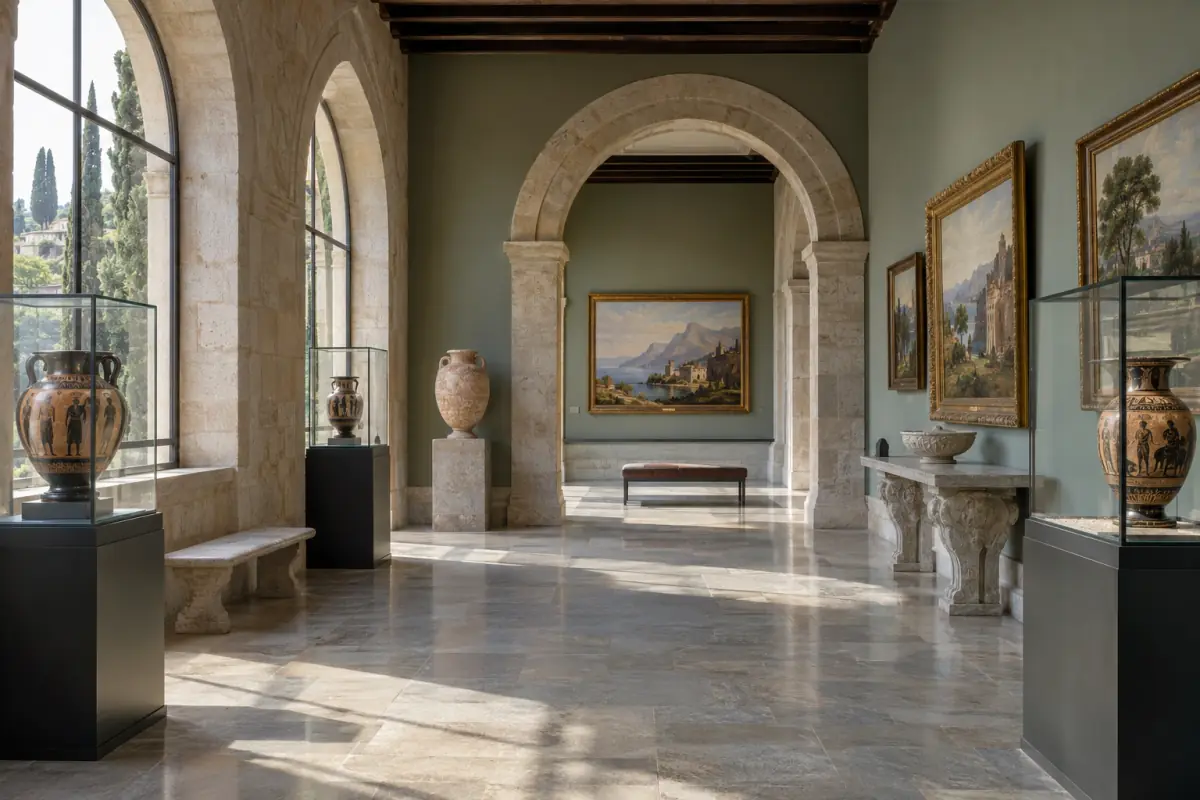
Museums, archives, creative work, events and cultural heritage. Each listed website retains its own publisher and official destination. Read the individual records in English or switch to their French counterpart.
Compare two or three resources →
Browse each subject, compare the resources and open an English record with publisher details and practical checks.
Rights, official procedures, public data and French institutions.
Explore this subject → 14 websites · bilingual recordsHealth information, prevention, care and support resources.
Explore this subject → 14 websites · bilingual recordsCareers, job search, training, business creation and management.
Explore this subject → 30 websites · bilingual recordsStudy guidance, courses, libraries and open knowledge.
Explore this subject → 17 websites · bilingual recordsGeneral news, public broadcasting and media literacy.
Explore this subject → 14 websites · bilingual recordsMuseums, archives, creative work, events and cultural heritage.
Explore this subject → 22 websites · bilingual recordsSearch engines, AI assistants and research tools.
Explore this subject → 40 websites · bilingual recordsWeb standards, software, development, archives and secure communication.
Explore this subject → 13 websites · bilingual recordsTransport, maps, destinations and journey planning.
Explore this subject → 15 websites · bilingual recordsPurchases, energy, housing, renovation and consumer protection.
Explore this subject → 17 websites · bilingual recordsScientific research, climate, weather, geography and natural risks.
Explore this subject → 12 websites · bilingual recordsInternational institutions, global data and cooperation.
Explore this subject → 10 websites · bilingual recordsSports organisations, competitions and outdoor activities.
Explore this subject →Museums, archives, creative work, events and cultural heritage. Each record identifies its publisher and official destination, with related resources and practical checks.
Archives nationales
Finding aids, digitised archives, exhibitions and guidance for researching French state records.
Read the record →Visit archives-nationales.culture.gouv.fr ↗Bibliothèque nationale de France
Collections, catalogues, exhibitions, digital resources and visitor information from France's national library.
Read the record →Visit bnf.fr ↗Centre national d’art et de culture Georges-Pompidou
Modern and contemporary art collections, resources and the Constellation programme; the Beaubourg building has been closed for renovation since September 2025.
Read the record →Visit centrepompidou.fr ↗Universcience
Exhibitions, events and resources introducing science, technology and innovation.
Read the record →Visit cite-sciences.fr ↗Comédie-Française
Productions, performers, repertory, history and resources of the Comédie-Française.
Read the record →Visit comedie-francaise.fr ↗Europeana Foundation
Digitised cultural objects from libraries, museums and archives across Europe.
Read the record →Visit europeana.eu ↗Ministère de la Culture
French culture ministry news, heritage databases, events and public policy.
Read the record →Visit culture.gouv.fr ↗Musée du Louvre
Art collections, exhibitions, visitor information and resources from the Louvre.
Read the record →Visit louvre.fr ↗Musée du quai Branly – Jacques Chirac
Collections and exhibitions on arts and cultures from Africa, Asia, Oceania and the Americas.
Read the record →Visit quaibranly.fr ↗Établissement public des musées d’Orsay et de l’Orangerie
Collections, artists, exhibitions and visitor planning for nineteenth and early twentieth century art.
Read the record →Visit musee-orsay.fr ↗Opéra national de Paris
Opera and ballet programme, bookings, artists, history and performance content.
Read the record →Visit operadeparis.fr ↗Cité de la musique - Philharmonie de Paris
Concerts, museum, talks, music resources and activities in Paris.
Read the record →Visit philharmoniedeparis.fr ↗Ministère de la Culture
French public search across databases of artworks, monuments, museums and photographs.
Read the record →Visit pop.culture.gouv.fr ↗Wikimedia Foundation et contributeurs
Community media library with file descriptions and individual reuse terms.
Read the record →Visit commons.wikimedia.org ↗Try a broader name, publisher or subject.
These websites belong to our network. Each has its own editorial scope; check its current information before relying on it.
Creative Commons recommends TASL: title, author, source and licence. It helps preserve an image’s origin through reuse.
| Situation | What changes | Useful check |
|---|---|---|
| Author and source | The host is not necessarily the creator. | Keep the author’s requested name and original link. |
| Licence and version | Creative Commons alone does not specify a licence. | Record CC BY 4.0 with its link if that is the file’s licence. |
| Changes | Distinguish the original from your version. | State cropping or adaptation and check permitted uses. |
A supplied title remains recommended; CC 4.0 licences do not require it, unlike relevant earlier versions. A correct credit does not replace compliance with licence conditions.
Documentation : Creative Commons — Recommended practices for attribution ↗ · · Read the reference record →
An object record describes an artwork; credits and rights describe a particular file or reproduction. Retain both references when preparing a publication or visit.
Europeana metadata are under CC0; this alone does not determine rights in the digital object.
A question to resolve: An openly reusable record describes a poster. Can you automatically reproduce its image?
A file description page provides information needed for reuse.
A question to resolve: A thumbnail appears in search. Where should the credit be prepared?
At BnF, an ARK can identify a record or digital document. Check the target object.
A question to resolve: You need to cite a passage, but your saved link only opens a record.
These references are examples from the official method, not newly created references.
A question to resolve: Your note only says “F/21”. Does it locate the example’s box?
| Task | Information to retain | Starting point |
|---|---|---|
| Identify an edition | Title, author, edition, record identifier | Bibliothèque nationale de France |
| Find a digitised document | Reference, provenance, date, consulted file | Gallica |
| Inspect a reusable image | File creator, licence, credit, restrictions | Wikimedia Commons |
| Cite an audiovisual programme | Episode, date and timestamp | France.tv |
| Identify a radio reference | Programme, language, edition and speaker | RFI |
Keep a caption with creator, title, date or period, institution, identifier, credit and rights link. Preserve uncertain attribution instead of turning it into an established fact.
You want to describe an object or place and then visit it. Separate its documentary record, practical information and image rights.
Identify collection, institution, database and number. Compare title, attributed creator and date.
Record photographer, credit and licence. An object and its photograph have separate rights.
Check hours, access, booking and conditions on the manager’s website. Keep the checking date.
A cited record, image with identified rights and checked practical information.
An old photograph and heritage record do not confirm current access arrangements.
Do not assume so. Check terms for the particular file, reproduction and intended use.
Not necessarily. Confirm display, location and practical details with the institution.
Use it to locate material, then check audio before direct quotation, especially names and nuance.
These resources answer different questions. Match one to your task, then make the suggested check before relying on its result.
Search French public heritage databases through a common portal.
Check first Record the exact entry, its producer and rights.
Find POP : plateforme ouverte du patrimoine →Use finding aids to understand a document’s provenance.
Check first Record its reference code and access conditions.
Find Archives nationales →Compare digitised objects from contributing cultural institutions.
Check first Open the holding institution’s record for reuse rights.
Find Europeana →Use the museum’s collection and visitor information.
Check first Confirm gallery, artwork availability and opening hours.
Find Musée du Louvre →These comparisons show when two resources in the same subject answer different questions.
POP describes heritage objects in public databases; Wikimedia Commons hosts files with source and licence details. Verify the object's identity and the image's reuse terms separately.
The French National Archives describe collections and records with provenance and reference codes; the French national library catalogue identifies editions and copies. Record the reference appropriate to the document before citing it.
The portal gives you context before the external click. Current conditions and sensitive instructions must still be confirmed with the destination publisher.
Start with the category that matches your practical need rather than the name of a platform.
Use the publisher, description, country and topic tags to understand what the resource covers.
Confirm that the external domain matches the publisher and service you intended to reach.
Review current dates, prices, availability, terms and sensitive instructions on the destination website.
The directory contains 232 useful starting-point websites across 13 subjects, including public services, health, education, media, culture, search, digital tools, travel, consumer information, science and sport.
No. Inclusion is an editorial orientation choice, not a technical certification, commercial ranking or guarantee covering every page and service on the external website.
Yes. Every directory record has an English page with a description, publisher, official destination, a specific use case and practical checks. Use the language menu to open its French counterpart.
Check the domain, publisher and purpose described in the record, then confirm current terms, dates and sensitive information on the destination website before acting.
Use the Contact page and provide the relevant URL, the inaccurate passage and a supporting source when possible.