

VLC media player
Free media player supporting many audio and video formats.
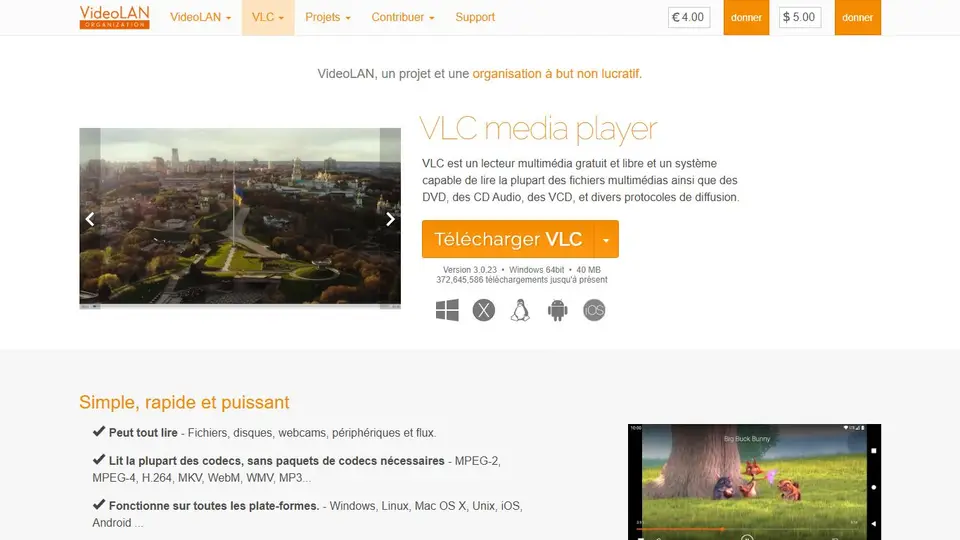
Screenshot captured on an unrecorded date. The current website may have changed.
Test a multimedia file
Check audio tracks and subtitles on a copy in the required format.
Check first: Successful playback in one application does not guarantee recipient compatibility.

Compare this resource with other directory records →
Describe an incompatibility before converting
- Container
- Identify the file’s envelope.
- Codecs
- Identify audio and video streams.
- Open a known file and inspect its codec information.
- Record the container and codecs separately.
- Compare them with the destination player’s requirements.
Fictional example: two videos have the MP4 extension, but only one works on the room’s player. Camille records both files’ codecs and keeps the originals. This describes the difference instead of renaming the problematic file.
Your useful record: Extension, audio and video codecs, and intended player.
Changing an extension does not transcode the streams.
Editorial method informed by VideoLAN — Transcoding a file. Documentation consulted on . Examples are fictional exercises, not results from a live service test.
Check the player and file separately
VLC is described as a free, open-source, cross-platform media player from the VideoLAN project. For playback diagnosis, retain the original file and identify the system used.
- Origin
- Reach downloads through the VideoLAN project.
- Test
- Compare a known working file and the problematic file.
- Settings
- Inspect audio track, subtitles and timing without unnecessarily transforming the original.
- Container and codecs
- Files sharing an extension can use different codecs.
Source: VideoLAN — Transcoding a file · consulted on - Codec information
- VLC can display codecs while a file is playing.
Source: VideoLAN — Transcoding a file · consulted on
Initial profile documentation
Initial profile documentation consulted on . Added details carry their own source and consultation date above.
Editorial selection, without website certification. Read our method.