

Audacity
Audio recording and editing software, with learning resources and downloads from its publisher.
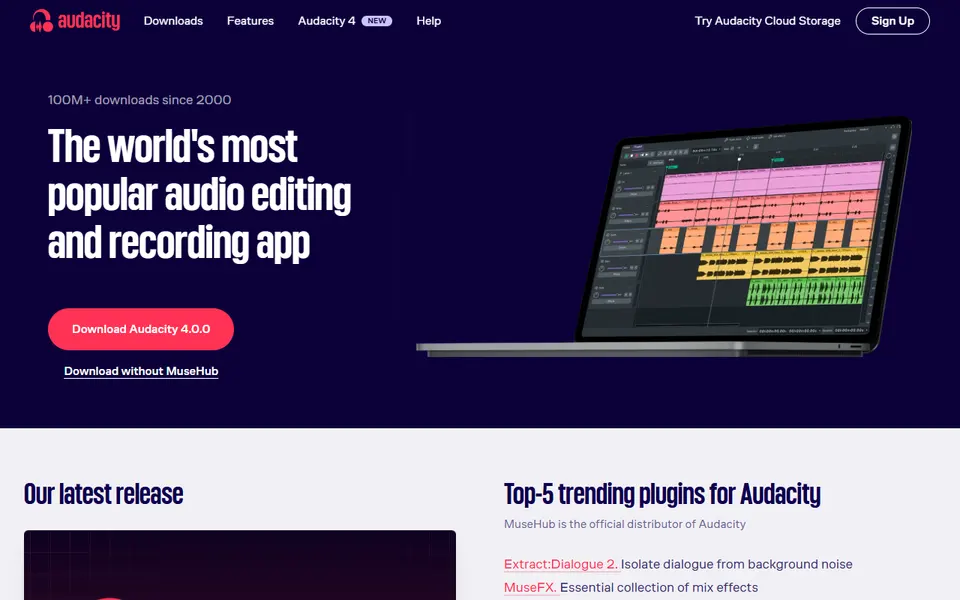
Screenshot captured on 2026-09-22. The current website may have changed.
Prepare an audio edit
Work on a copy and export a short sample in the recipient’s required format.
Check first: Listen to the exported file and check level, duration and rights.

Compare this resource with other directory records →
Deliver audio without losing the edit
- AUP3
- Preserve tracks and editing.
- WAV or MP3
- Supply a listening file.
- Save the project before preparing delivery.
- Export an audio file under a separate name.
- Listen to the beginning and end of the delivered file.
Fictional example: Ines sends an edited interview to a colleague. She keeps the AUP3 project and supplies an audio copy after checking its opening and ending. The colleague gets the expected sound without opening the edit in Audacity.
Your useful record: Project filename, export filename and passages checked.
Undo history is not preserved when a project is reopened.
Editorial method informed by Audacity Manual — Managing projects. Documentation consulted on . Examples are fictional exercises, not results from a live service test.
Keep the project and deliver an audio file
Audacity distinguishes the working project from exported audio. The project supports further editing; an export delivers a playable result in the required format. Keep the project and check an exported copy in a player before sending it.
- Project
- Working file for continued editing.
- Export
- Audio file for playback or sharing.
- Check
- Duration, start and end, level and required format.
- Captured source
- On Windows, the documentation describes output capture using WASAPI and the device marked loopback. Check the actual device selected: recording computer output and recording the microphone are different selections.
- Unintended sounds
- Output capture can include notifications and other applications. Prepare a short sequence with a single permitted source, listen to the file and check for extra sounds before the full session.
- Audio project file
- An AUP3 project reopens in Audacity, not ordinary audio players.
Source: Audacity Manual — Managing projects · consulted on - Listening file
- Export Audio produces files such as WAV or MP3 for other applications.
Source: Audacity Manual — Managing projects · consulted on
Does the project replace the audio file for sharing?
No. Export the result in a format suitable for the recipient.
Why retain both?
The project supports corrections; the export is a delivered version you can check.
Initial profile documentation
- Documentation officielle · Official documentation ↗
- Audacity — Enregistrement du son de l’ordinateur ↗
Initial profile documentation consulted on . Added details carry their own source and consultation date above.
Editorial selection, without website certification. Read our method.