
Documentation Python
Official Python language documentation, tutorials and standard library references.
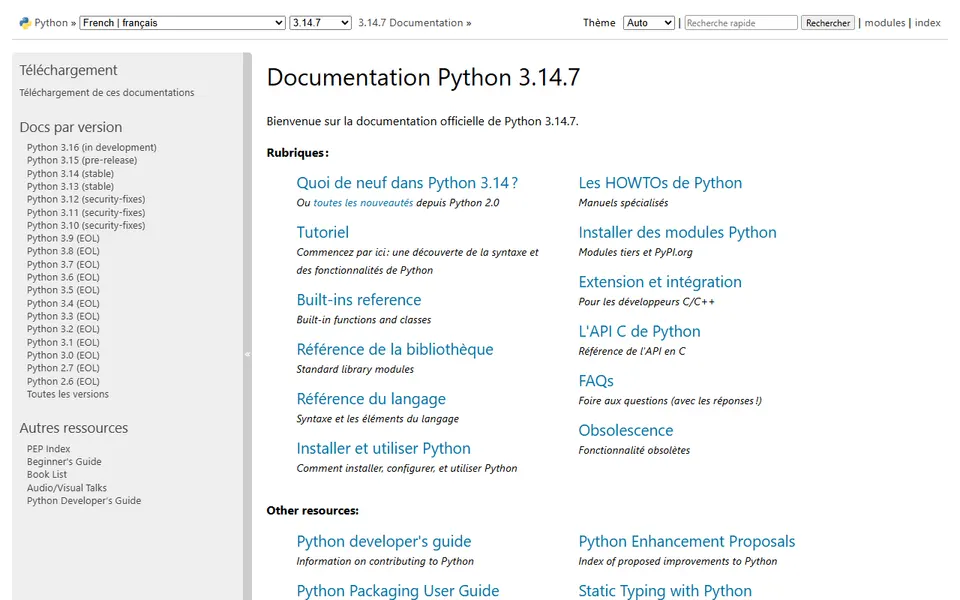
Screenshot captured on 2026-09-22. The current website may have changed.
Check Python behaviour
Read the language and standard library documentation.
Check first: Select the version matching your environment.

Compare this resource with other directory records →
Describe the environment of a Python example
- Project code
- Preserve working files.
- venv environment
- Identify installed dependencies.
- Identify project code and its environment separately.
- Record the Python interpreter used to reproduce the example.
- Keep the dependencies needed to recreate the environment.
Fictional example: a student reproduces a notebook on two computers. The code matches, but packages differ. She records dependencies and the interpreter before comparing results, and keeps code outside the environment folder.
Your useful record: Python version, required dependencies and code folder.
An isolated environment does not establish scientific reproducibility.
Editorial method informed by Python Documentation — venv. Documentation consulted on . Examples are fictional exercises, not results from a live service test.
Use documentation for the right Python version
Python’s website distinguishes the tutorial, language reference, standard library and installation guides. First record the version in your environment, then select matching documentation.
- Tutorial
- Learn language concepts and usage.
- Standard library
- Check signatures, behaviour and exceptions.
- Version
- Match the documentation to your interpreter version.
- Project environment
- A venv environment has its own packages, isolated by default from the base installation. Identify its interpreter before reproducing an example.
- Reproduction
- Retain the Python version and the project dependency list. Recreate the environment on the target machine rather than simply copying its directory.
- Identify the interpreter
- --version prints the invoked interpreter’s version and exits. Check within the project context: different commands or environments can invoke different installations.
Source: Python — Command line and environment · consulted on - Understand -m
- -m locates a module through the import mechanism and runs it as a script. It does not mean “install this module”; distinguish installation, import and execution in your notes.
Source: Python — Command line and environment · consulted on - Isolated environment
- venv creates an environment whose packages are isolated by default.
Source: Python Documentation — venv · consulted on - Project and environment
- The environment directory is not intended to hold project code.
Source: Python Documentation — venv · consulted on
Does the latest manual necessarily describe my environment?
No. Select the installed version and check changes for the function you use.
Initial profile documentation
- Utiliser la documentation de la bonne version de Python / Use documentation for the right Python version ↗
- Python — Environnements virtuels venv ↗
Initial profile documentation consulted on . Added details carry their own source and consultation date above.
Editorial selection, without website certification. Read our method.