

MDN Web Docs
Reference documentation for HTML, CSS, JavaScript, web APIs and development practices.
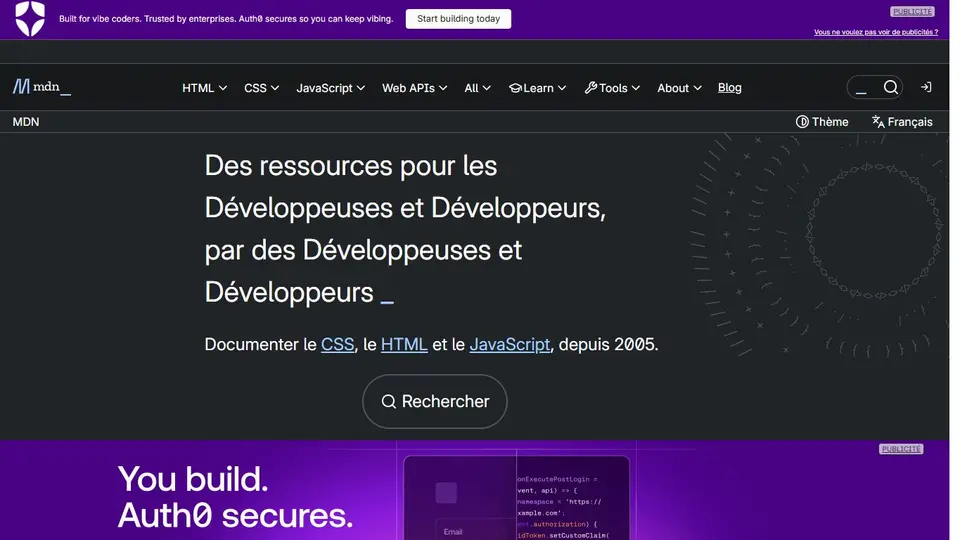
Screenshot captured on an unrecorded date. The current website may have changed.
Understand a Web feature
Read an HTML, CSS or JavaScript reference with examples.
Check first: Check the feature and support in target browsers.

Compare this resource with other directory records →
Check a page action using the keyboard
- Native button
- Examine the intended action element.
- ARIA role
- Distinguish semantics from interaction.
- Identify the element triggering the action.
- Check its name and keyboard access.
- Test relevant activation with Enter and Space.
Fictional example: a prototype colours a block like a button, but only clicking works. The developer examines the element and interactions before adopting the component.
Your useful record: Element, accessible name, tested keys and observed result.
An ARIA role does not establish complete component accessibility.
Editorial method informed by MDN — ARIA button role. Documentation consulted on . Examples are fictional exercises, not results from a live service test.
Connect an API to actual browser support
MDN organises documentation for web technologies, including HTML, CSS, JavaScript and APIs. Before applying an example, read prerequisites and compatibility data, then test the browsers and conditions your page targets.
- Documentation
- Syntax, parameters, examples and technology references.
- Compatibility
- Read versions, restrictions and accompanying notes.
- Verification
- Test keyboard use, mobile layout and target browsers on your page.
- Document type
- MDN publishes references, guides, glossary entries and tutorials; a documentation page is not the specification itself.
- Read cache directives
- no-cache permits storage with revalidation before reuse; no-store requests that the response not be stored. The directives are not interchangeable.
- Diagnosis
- Compare response headers and reload behaviour before attributing stale content to the browser or server.
- Baseline scope
- Baseline summarises feature availability across a defined set of browsers. “Newly available” does not imply support in every older release or embedded web view.
Source: MDN — Baseline compatibility · consulted on - Compatibility and usability
- The badge does not replace accessibility, performance or security tests. Record the browser version and test assistive technologies relevant to the intended audience.
Source: MDN — Baseline compatibility · consulted on - Role and behaviour
- role="button" conveys semantics without automatically providing keyboard behaviour.
Source: MDN — ARIA button role · consulted on - Native button
- MDN generally recommends appropriate button or input elements.
Source: MDN — ARIA button role · consulted on
Is an example working in my browser sufficient?
No. Check target browsers, security conditions and alternatives before publishing.
Does a documented feature work in every browser?
No. MDN also documents technologies progressing through standardisation; read feature compatibility data and test the browser versions you target.
Initial profile documentation
- Relier une API à sa prise en charge réelle / Connect an API to actual browser support ↗
- MDN — Editorial scope and document types ↗
- MDN — Cache HTTP ↗
Initial profile documentation consulted on . Added details carry their own source and consultation date above.
Practical methods for this resource
- Document a website domain change without losing referencesFollow the real destination, compare content and publisher, and update links, citations and bookmarks with a migration record.
- Read a web address before opening itSeparate host, user information, path and parameters; practise with an address reader that does not visit the link.
Editorial selection, without website certification. Read our method.