

GitHub
Platform for hosting code, collaborating and publishing software projects.
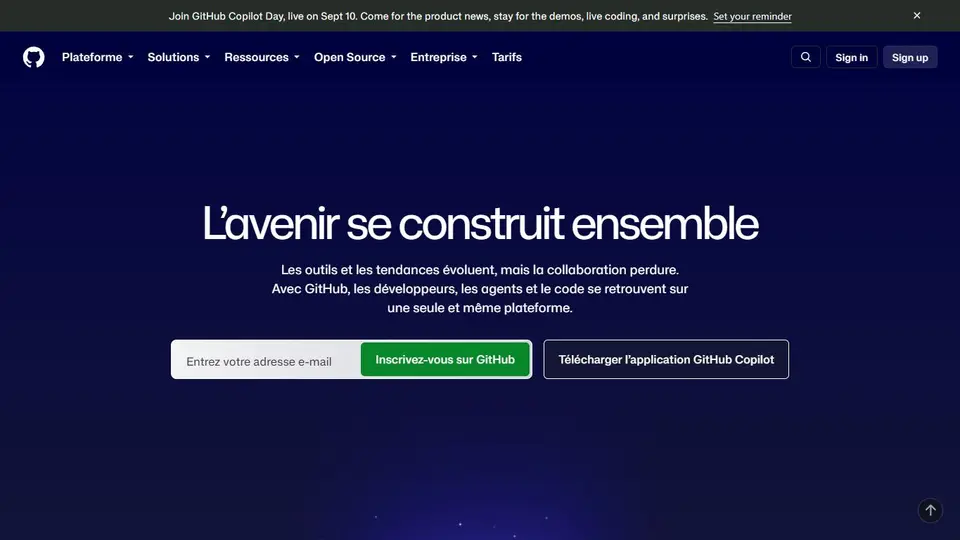
Screenshot captured on an unrecorded date. The current website may have changed.
Inspect software before downloading
Find the publisher’s repository, documentation and released version.
Check first: A public repository alone does not guarantee software safety.

Compare this resource with other directory records →
Cite the code you actually examined
- Permanent link
- Fix the file version.
- Targeted lines
- Locate the passage discussed.
- Open the file and prepare its permanent link.
- Check that the URL identifies the examined commit.
- Add relevant lines and explain the observed behaviour.
Fictional example: a tutorial cites a calculation function. After the repository changes, its branch link displays different code. Alex keeps the commit link and examined passage so readers can recover the original argument.
Your useful record: Repository, commit, file and lines associated with the explanation.
A permanent link fixes a version; it does not guarantee code quality.
Editorial method informed by GitHub Docs — Permanent file links. Documentation consulted on . Examples are fictional exercises, not results from a live service test.
Read a repository before reusing its code
Public visibility does not automatically permit every use of the code. Locate the licence and identify the relevant release or commit. Read the project instructions before running a copied command.
- Licence
- Read the terms for both the repository and its dependencies.
- Version
- Retain the commit or tag used, rather than only the branch.
- Maintenance
- Examine releases and open issues.
- Moving link or specific release
- The releases/latest path points to the latest release. To reproduce a download or diagnosis, also retain the specific release address and archive name actually used; a bookmark to latest does not freeze that selection.
- Release record
- A release gathers publication information and can provide downloadable files. Read its notes to distinguish feature changes, migration and fixes, then tie your procedure to the selected release rather than an unreferenced screenshot.
- Branch link
- A branch link may show different content after changes.
Source: GitHub Docs — Permanent file links · consulted on - Commit link
- A link containing the commit identifies that exact file version.
Source: GitHub Docs — Permanent file links · consulted on
Is every public repository open source?
No. Viewing and forking rights on GitHub do not replace a licence covering your intended reuse.
Initial profile documentation
- Lire un dépôt avant de réutiliser son code / Read a repository before reusing its code ↗
- GitHub — Liens vers les versions publiées ↗
Initial profile documentation consulted on . Added details carry their own source and consultation date above.
Editorial selection, without website certification. Read our method.