
W3C Web Accessibility Initiative
Guidance and tutorials for accessible web content, images, forms and media.
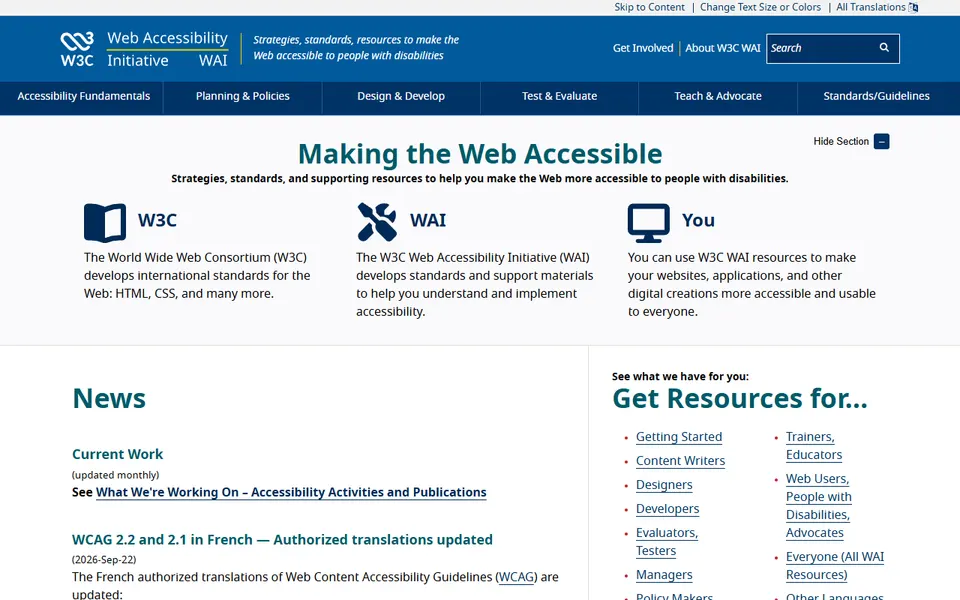
Screenshot captured on 2026-09-22. The current website may have changed.
Make content accessible
Find tutorials for images, forms and media.
Check first: Test the result through real user journeys, beyond a rule alone.

Compare this resource with other directory records →
Choose an alternative by the image’s actual role
- Linked image
- Explain the destination.
- Informative image
- Convey useful meaning.
- Read the image within its page context.
- Distinguish decoration, information and function.
- Choose the alternative and check existing nearby text.
Fictional example: the same arrow appears in decoration and in a link without text. The team examines these uses separately instead of applying the same alternative to both images.
Your useful record: Image role, nearby text and chosen alternative.
The decision tree is guidance; it does not cover every case.
Editorial method informed by W3C WAI — Arbre de décision alt. Documentation consulted on . Examples are fictional exercises, not results from a live service test.
Describe an image according to its function
Alternative text depends on how an image is used in the page.
| Element | Meaning |
|---|---|
| Image button | Name the action when no other text supplies it. |
| Informative image | Convey the meaning needed in context. |
| Decoration | Use alt="" when the image adds no information. |
Try the reasoning
Illustrative situation. A lone magnifying glass starts search. Is “grey magnifier” useful?
Read the explanation
The reader needs the action “Search”. When visible text already supplies that name, avoid redundant announcements.
Documentation for the table : W3C WAI — An alt Decision Tree · . The exercise is an editorial example.
Connect standards to an actual barrier
WAI provides resources to explain accessibility goals and document barriers. A useful statement describes the approach, known limitations and a feedback contact; it does not replace an assessment.
- For publishers
- Describe accessibility status, measures and known limitations.
- For users
- Report the URL, task, barrier and relevant environment.
- For follow-up
- Keep correspondence and request an alternative for time-sensitive tasks.
- Chart or map
- Combine a brief identification with a detailed description available on the page, covering relevant values, units and relationships conveyed by the visual.
- Editorial check
- Read the page without images: can the reader still understand the conclusion and find the essential data?
- Actual table headers
- Bold text alone does not create an accessible header. Markup must distinguish header and data cells and correctly relate rows and columns.
Source: W3C WAI — Tables Tutorial · consulted on - After document conversion
- Table structure can be lost during format conversion. Check the final file: caption, headers and relationships should still explain each value beyond its visual appearance.
Source: W3C WAI — Tables Tutorial · consulted on - Functional image
- The alternative describes destination or action when the image alone explains a link.
Source: W3C WAI — Arbre de décision alt · consulted on - Complex image
- Complex informational content must also be explained elsewhere on the page.
Source: W3C WAI — Arbre de décision alt · consulted on
Initial profile documentation
- W3C WAI — Accessibility statements ↗
- W3C WAI — Reporting barriers ↗
- W3C WAI — Alternatives pour les images complexes ↗
Initial profile documentation consulted on . Added details carry their own source and consultation date above.
Choose an image alternative by its role
A text alternative depends on what the image contributes. Appearance alone is insufficient when it acts as a button or conveys data.
- Define the role
- Write the equivalent
- Read without the image
| Situation | What changes | Useful check |
|---|---|---|
| Informative image | Convey the essential information in context. | Do not unnecessarily repeat a nearby caption. |
| Functional image | Name the action or destination. | A button should announce its purpose, not just its icon’s shape. |
| Complex chart | Provide a complete equivalent of useful data or relationships. | Supply a description and, where appropriate, a readable table. |
An empty alt attribute avoids announcing a purely decorative image. Read the page without images: essential actions and information should remain identifiable.
Documentation : W3C WAI — Images Tutorial ↗ ·
Practical methods for this resource
- Report a web accessibility barrierDescribe the blocked task, page and reproduction steps. Send actionable feedback and ask for an alternative when a deadline is approaching.
- Interpret an automated accessibility reportDefine tested pages and states, inspect warnings and add keyboard journeys and a content review.
- Make digital content easier to useAdjust display and input settings, then test one real task with the person who needs the change.
- Make a document more accessibleUse structure, descriptive links and meaningful image alternatives, then review the exported document.
Editorial selection, without website certification. Read our method.