

Internet Archive
Digital library preserving web pages, books, software, audio and video.
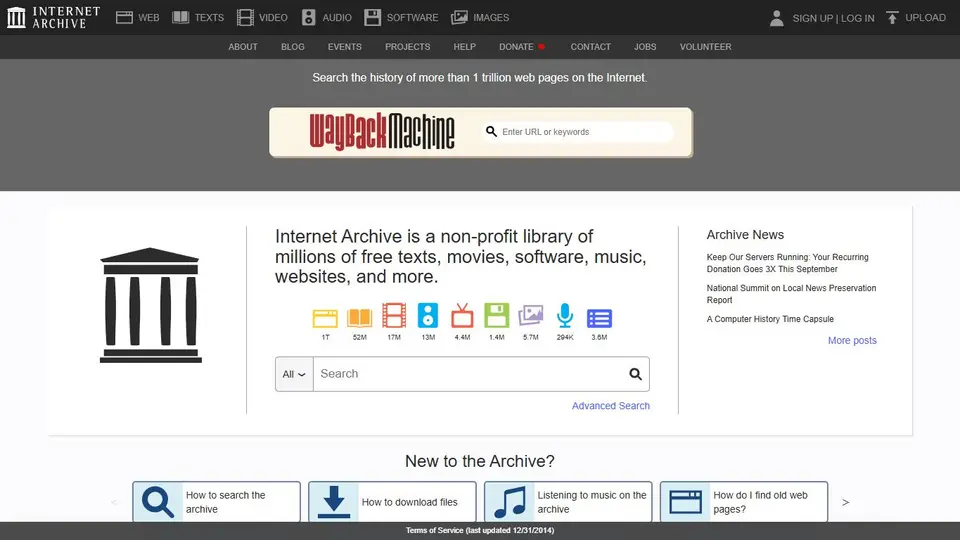
Screenshot captured on an unrecorded date. The current website may have changed.
Compare this resource with other directory records →
An archived capture does not date every event on the page
Event, publication, capture and access dates do not describe the same moment. Keep these four references separate when citing an archived page.
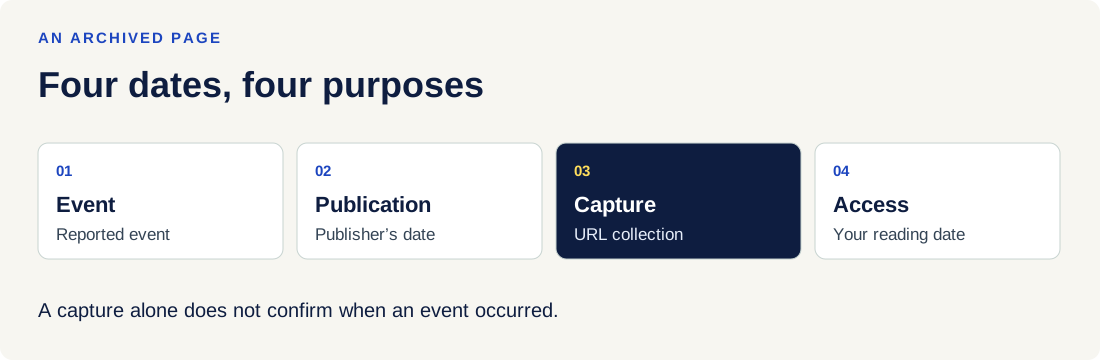
| Element | Meaning |
|---|---|
| Event date | Date of the reported or planned event. Leave it unknown if the text and its sources do not establish it. |
| Publication or update | Date displayed by the publisher. It does not automatically date events or collection by the archive. |
| URL capture | The Wayback toolbar dates the displayed capture for this address. Each page you follow can have a different date. |
| Access | Your own reading date, kept with the original URL and the link to the capture you used. |
| Images and links | Elements may be missing. A link can lead to a capture from a different date, or the live Web if the page was not archived. |
| No capture | This does not establish that a document never existed: protected access, missing collection or exclusions can explain it. |
Try the reasoning
Illustrative situation. Fictional example: an article dated the 3rd is captured on the 8th and you consult it on the 20th. Which date establishes when the event occurred?
Read the explanation
None of these dates alone dates the event. Find the event date and its source in the text. To cite the version, retain the original URL, Wayback link, capture date and your access date.
Documentation for the table : Internet Archive — Using the Wayback Machine · . The exercise is an editorial example.
Editorial selection, without website certification. Read our method.