

FranceConnect
French state sign in system for accessing many public services with an existing account.
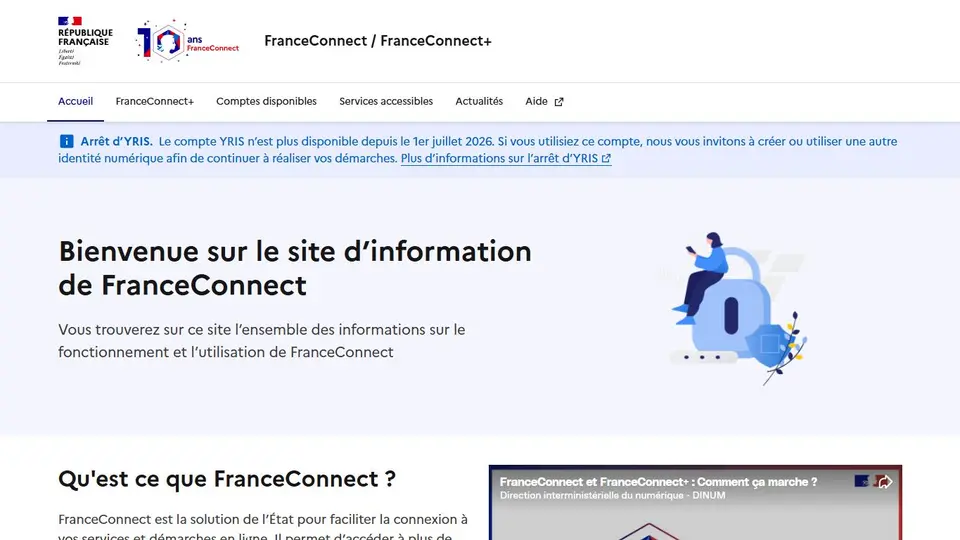
Screenshot captured on an unrecorded date. The current website may have changed.
Sign in to the correct public procedure
Start from the official procedure and choose an identity account you control.
Check first: Check the destination and identity provider before approving the connection.

Compare this resource with other directory records →
Identify the required platform before signing in
- FranceConnect
- Recognize the service’s button.
- FranceConnect+
- Examine available identities.
- Start from the service where you need to act.
- Record its button and available identity providers.
- Consult that platform’s help if they differ.
Fictional example: Lea uses an account for one procedure but cannot find it for another. She compares the two services’ buttons before assuming her account is broken.
Your useful record: Service, required platform and difficulty, without login codes.
Successful sign-in does not submit the procedure.
Editorial method informed by FranceConnect — Différences entre les plateformes. Documentation consulted on . Examples are fictional exercises, not results from a live service test.
Choose the right identity route
FranceConnect and FranceConnect+ are not interchangeable names for the same access.
| Element | Meaning |
|---|---|
| FranceConnect | Low eIDAS assurance level. |
| FranceConnect+ | Substantial and high assurance levels. |
| Available account | Identity providers depend on the platform. |
| Reusing a sign-in | Start from the requested service. The assurance level must match that service, not just an account you own. |
| Missing provider | A provider available through FranceConnect is not necessarily available through FranceConnect+. |
Try the reasoning
Illustrative situation. A service requests FranceConnect+, but your usual account only appears in FranceConnect. Should you repeat the same attempt?
Read the explanation
Start from the service’s button and check compatible identities. Successful sign-in does not mean the application has been approved.
Documentation for the table : FranceConnect — Différences entre les plateformes · . The exercise is an editorial example.
Distinguish sign-in from the receiving service
FranceConnect connects a procedure to an identity provider you already use. Start on the service where you want to carry out the procedure: the FranceConnect information website does not receive your application.
- Starting point
- The sign-in button on the service concerned.
- Identification
- Select an existing account from the offered providers.
- FranceConnect+
- Some sensitive procedures use a digital identity and stronger authentication.
- Assurance levels
- FranceConnect uses the low level; FranceConnect+ uses substantial and high levels.
Source: FranceConnect — Différences entre les plateformes · consulted on - Available providers
- Usable identity providers depend on the platform’s supported level.
Source: FranceConnect — Différences entre les plateformes · consulted on
Is FranceConnect my application form?
No. It identifies you; the receiving service handles the procedure.
Initial profile documentation
Initial profile documentation consulted on . Added details carry their own source and consultation date above.
Editorial selection, without website certification. Read our method.