

Cybermalveillance.gouv.fr
French help and prevention resources for common online threats affecting people and organisations.
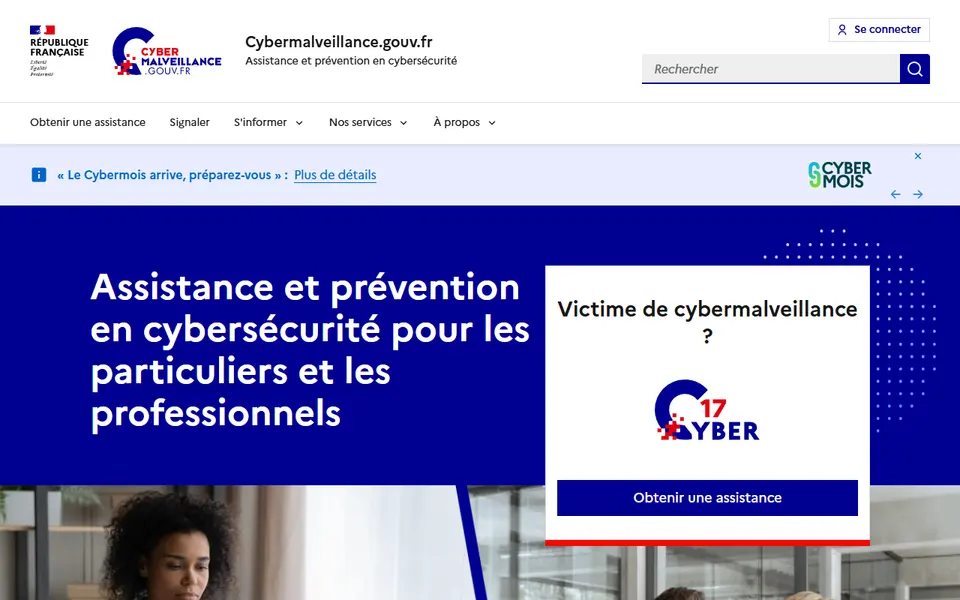
Screenshot captured on 2026-09-22. The current website may have changed.
Respond to a digital incident
Identify the attack type, retain useful evidence and use the relevant assistance route.
Check first: Use official account recovery channels and record your actions.

Compare this resource with other directory records →
Prepare a request for 17Cyber assistance
Cybermalveillance.gouv.fr provides access to the public 17Cyber assistance service. Describe observed facts: received message, affected account and timeline. Keep useful evidence without publishing access codes or sensitive documents on a forum.
- Facts
- Separate observations from assumptions.
- Timeline
- Record actions already taken.
- Routing
- Follow the pathway matching the situation.
Does the online diagnosis replace every procedure?
It helps route the case; its recommendations may lead to appropriate assistance or reporting.
Official documentation
Documentation consulted on .
Restoring a backup: which files should you retain?
The newest file is not always enough to restore your data. The backup type determines which components recovery needs.
- Identify the backup set
- Locate dependencies
- Open a restored copy
| Situation | What changes | Useful check |
|---|---|---|
| Full | Copies all selected data. | Check the scope and excluded folders. |
| Incremental | Changes since the previous backup. | Retain the starting full backup and required increments in order. |
| Differential | Changes since the latest full backup. | Retain the starting full backup and chosen differential. |
Test a non-sensitive file in a separate folder without overwriting the original. Record the recovered version and errors. Disconnect the medium after use: a connected copy can also be affected by an incident.
Documentation : Cybermalveillance.gouv.fr — Sauvegardes ↗ ·
Editorial selection, without website certification. Read our method.