

Zenodo
Repository for research papers, data and software, with versions and persistent identifiers.
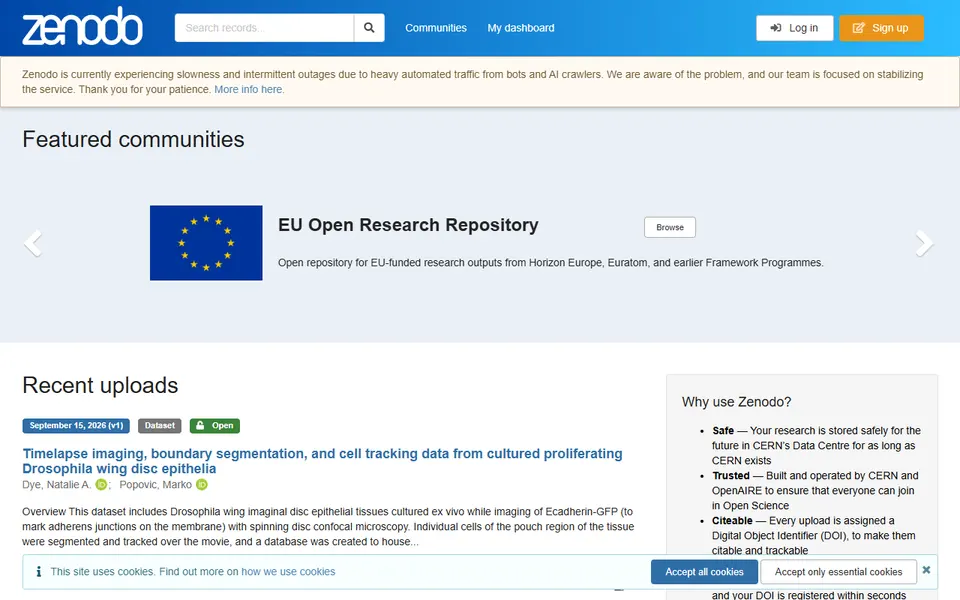
Screenshot captured on 2026-09-22. The current website may have changed.
Identify a deposited research output
Match creator, version, identifier and documentation to the file you download.
Check first: Inspect licence, associated publication and differences between versions.

Compare this resource with other directory records →
Cite the version used or the project that keeps evolving?
- Specific version
- Document the files actually used.
- Concept DOI
- Identify the evolving whole through its latest version.
- Record the version and files used in your work.
- Compare that version’s DOI with the concept DOI in Versions.
- Keep the exact reference used and explain the citation’s purpose.
Fictional example: an analysis uses files from version 1.3; the current version is 2.0. Its reference retains the 1.3 DOI. A project overview may choose the concept DOI, explaining that choice.
Your useful record: Version, chosen DOI, files and date used.
A visible record does not guarantee that everyone can access its files.
Editorial method informed by Zenodo — Citing a record. Documentation consulted on . Examples are fictional exercises, not results from a live service test.
Choose between a global search and a community
Zenodo supports record searches and communities managed by users, such as project or institutional groups. When browsing a community, check whether your search covers that collection or all of Zenodo.
- Search
- Check the selected scope before concluding that a record is absent.
- Community
- A collection managed and organised by its users.
- Record
- Retain author, title, files, version and licence for the result used.
- Citation and version
- The proposed citation concerns a version. The concept DOI in the Versions panel points to the latest version; record the version DOI actually used to document a reproducible result.
- Files and metadata
- Metadata remains editable. Zenodo recommends a new version for significant file changes. Minor file corrections are possible within 30 days of publication; later changes require a duly justified request. Do not assume that every published file is absolutely immutable.
Source: Zenodo — Manage files · consulted on - Correcting a record
- Editing and publishing metadata does not change the DOI. File changes follow a separate process and may require a new version or support intervention.
- Working record
- For reuse, retain the citation, the actual files and their version; distinguish a title correction from replacement of the data.
Does absence from a community mean absence from Zenodo?
No. Search all of Zenodo again and check your terms and filters.
Initial profile documentation
- Choisir entre recherche globale et communauté / Choose between a global search and a community ↗
- Zenodo — Citing a record ↗
- Zenodo — About records ↗
- Zenodo — Gestion des notices publiées ↗
Initial profile documentation consulted on . Added details carry their own source and consultation date above.
Editorial selection, without website certification. Read our method.